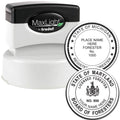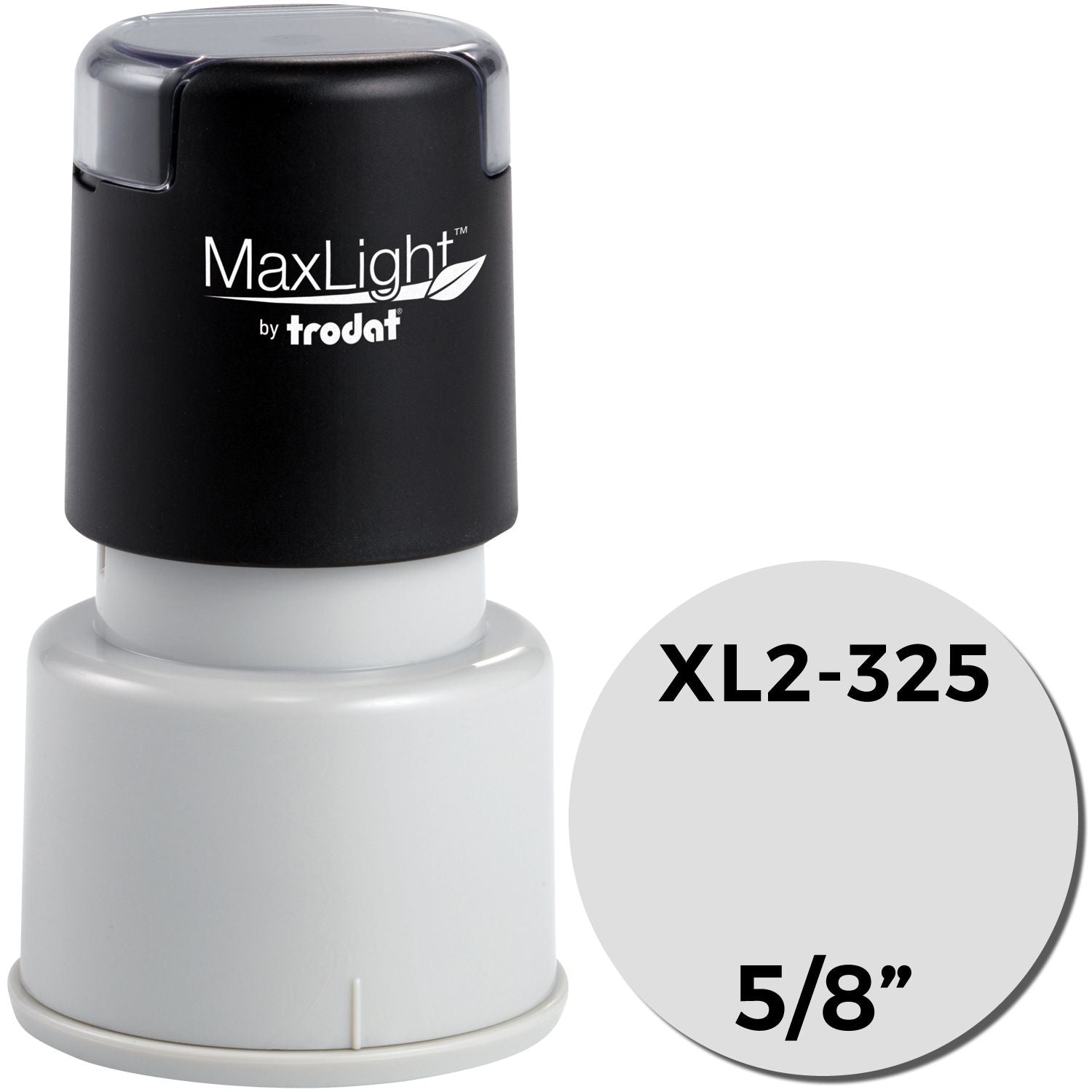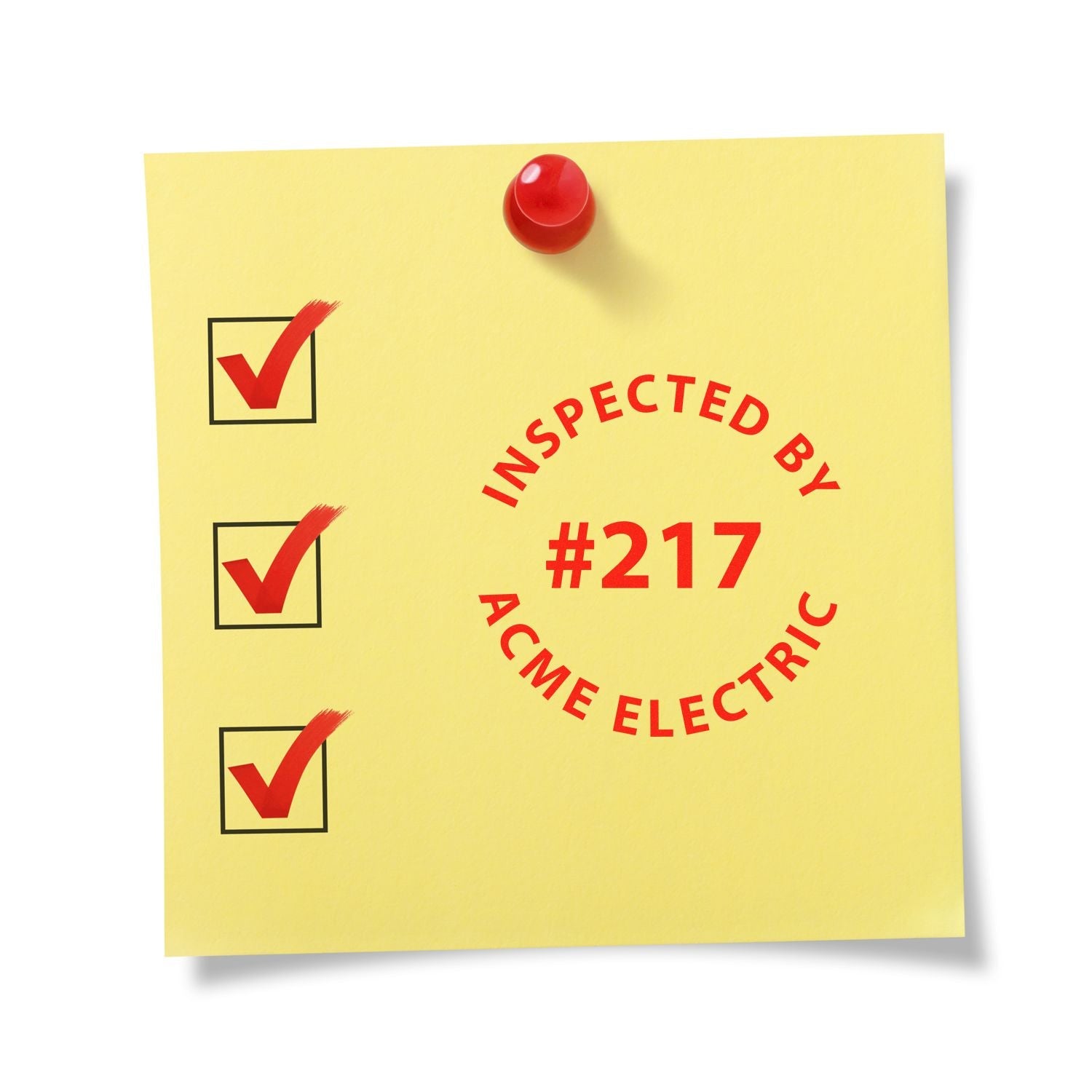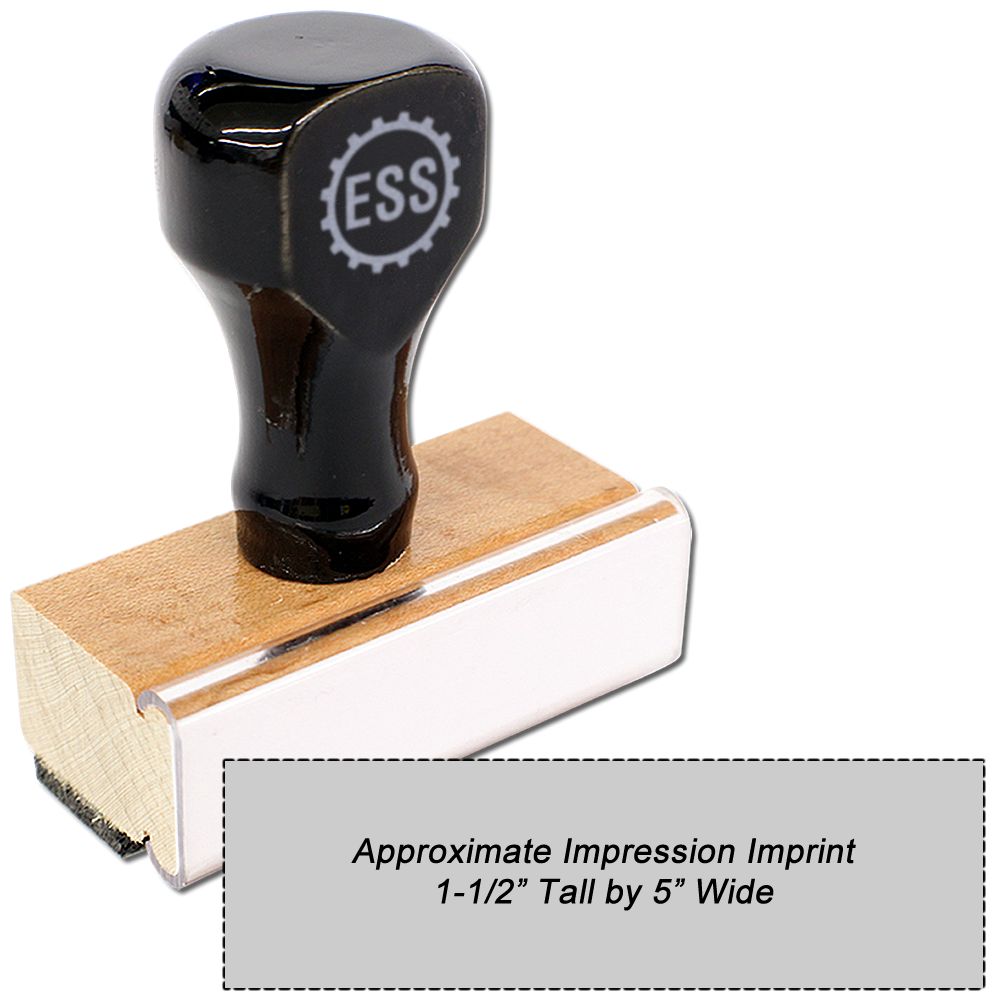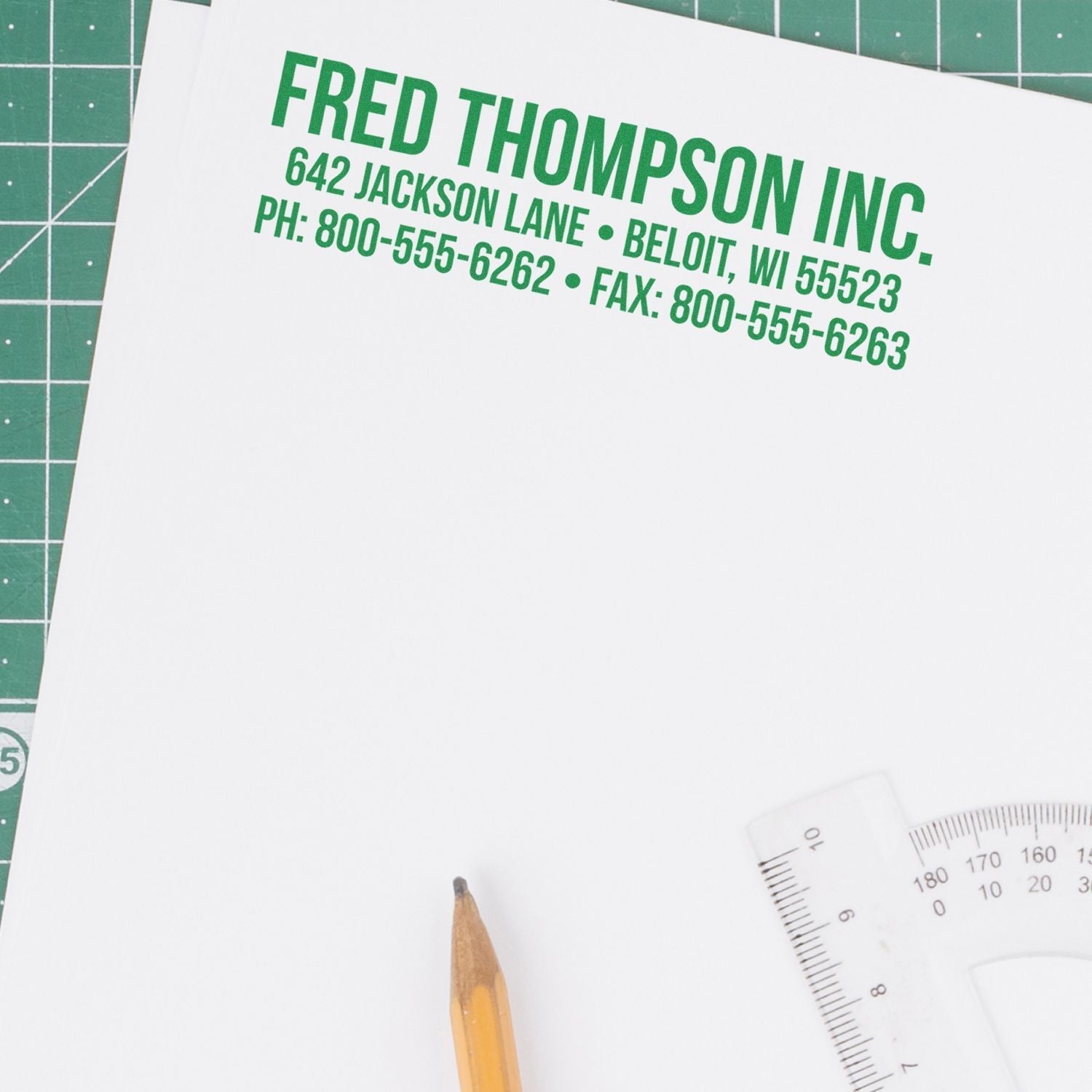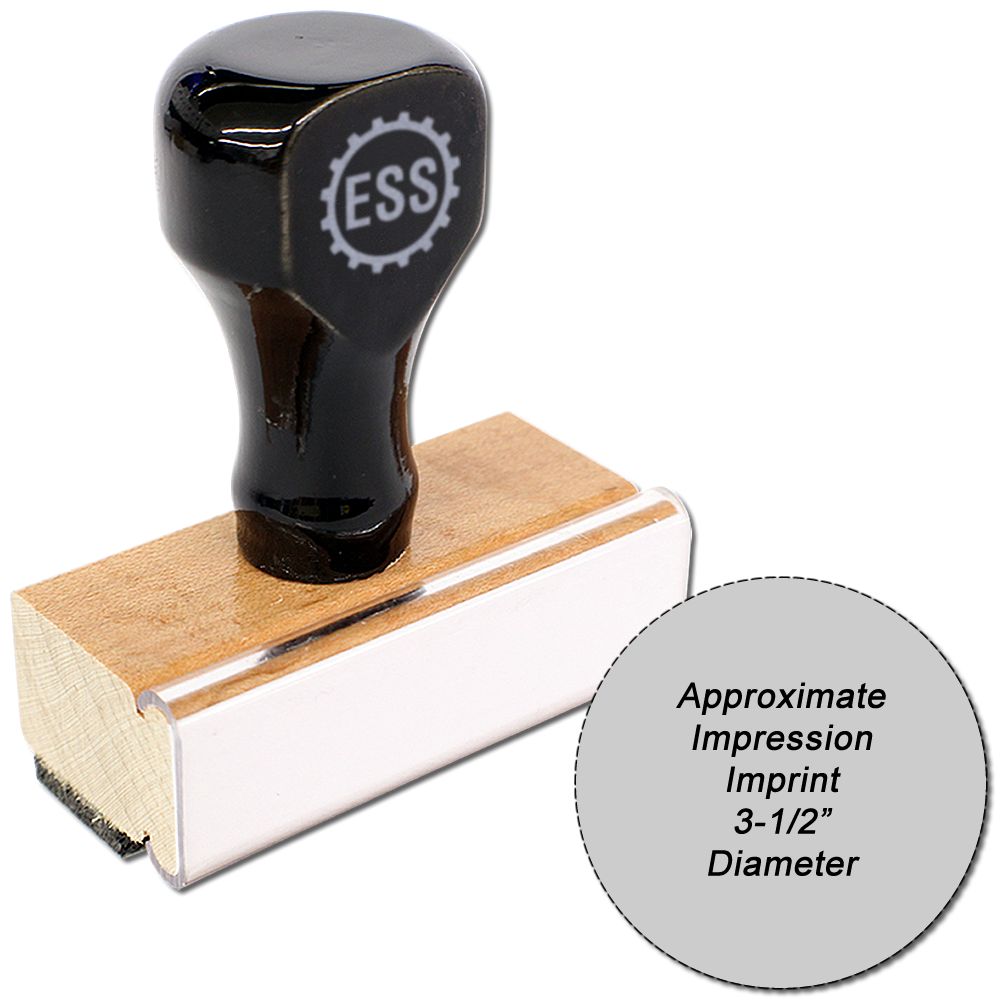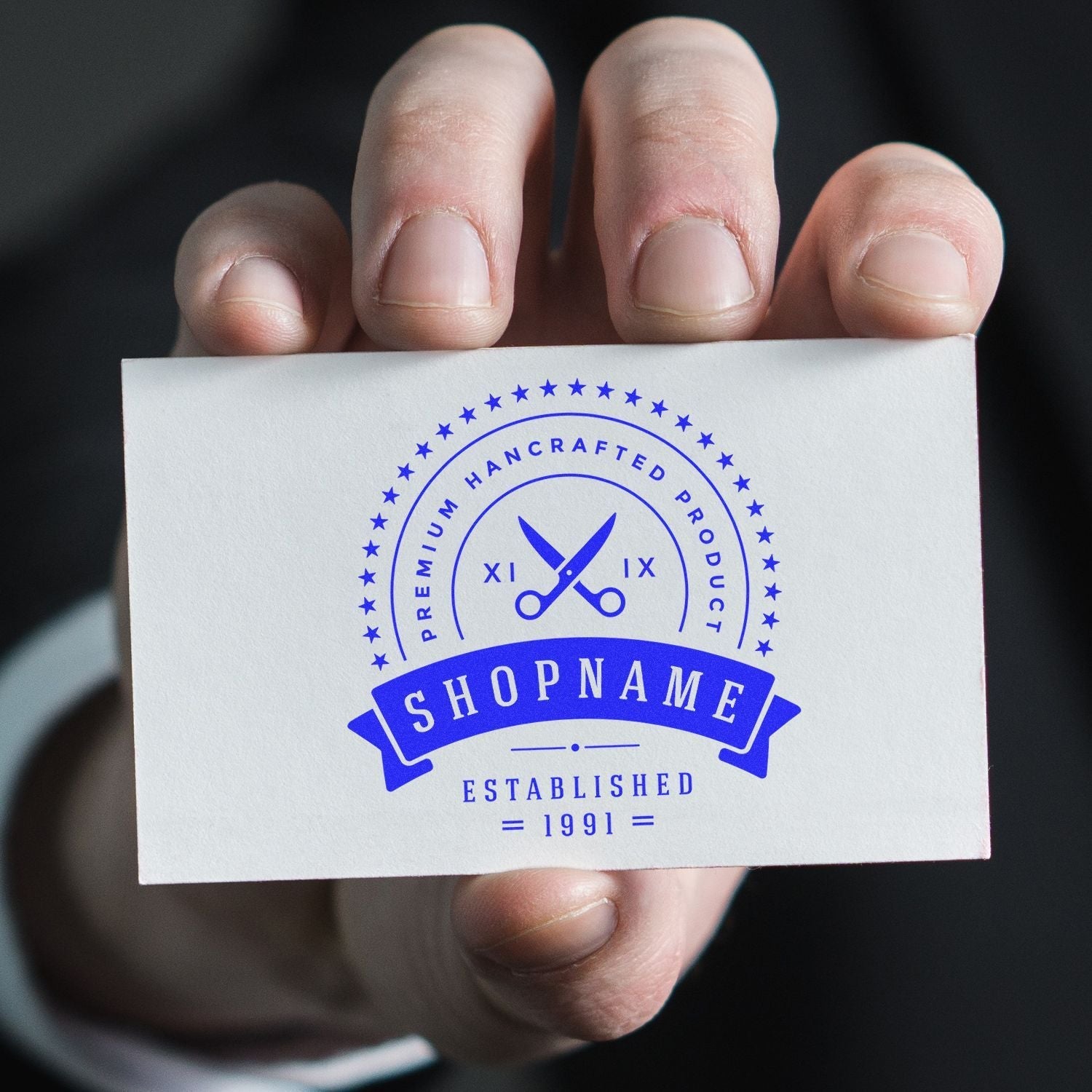
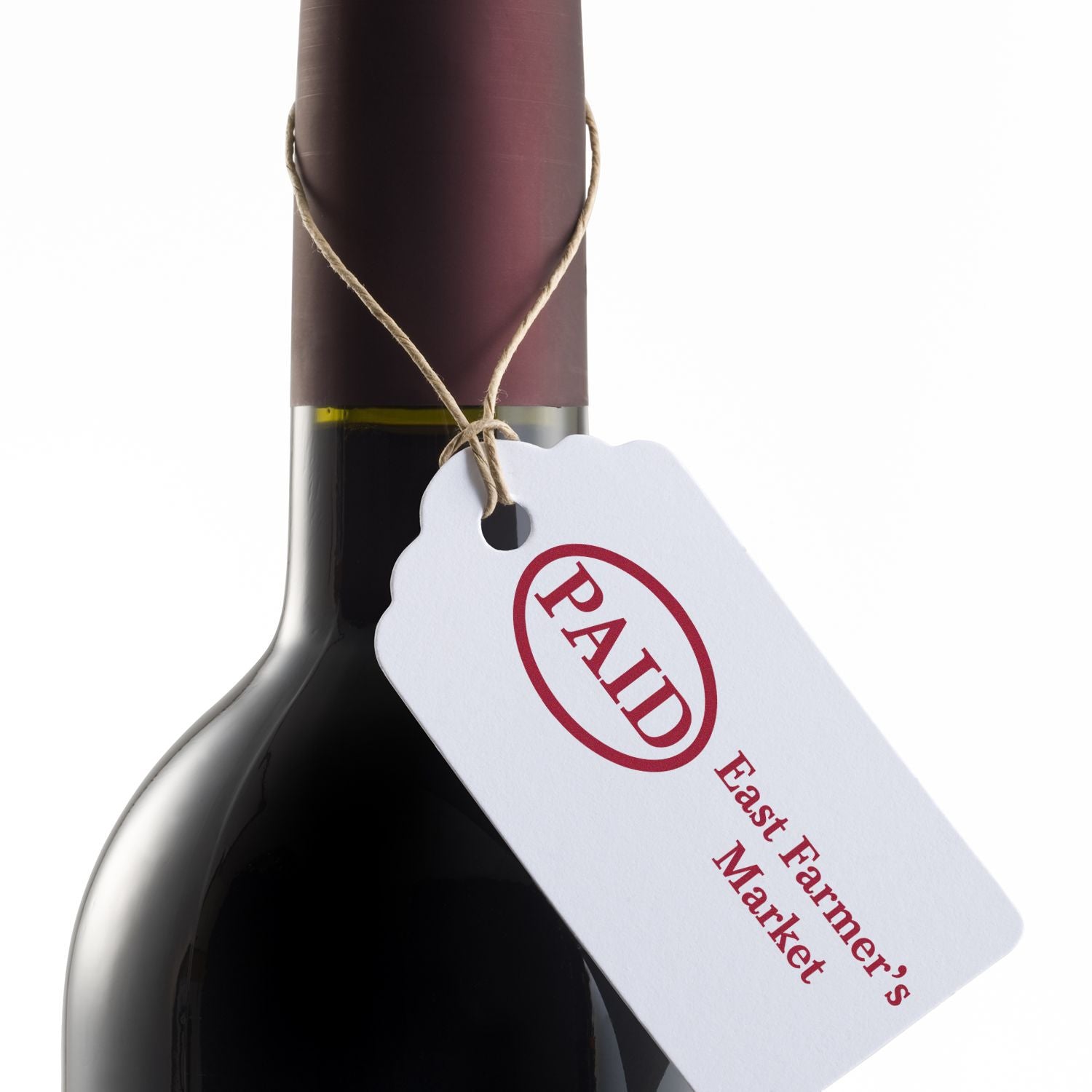
A custom logo stamp engraves most cleanly from black and white vector artwork, such as an AI, EPS or CDR file, with no color, shading or halftones. Failing that, send a PNG, JPG or TIF at 300 dpi or higher. ESS can enlarge or reduce the logo to fit the model you pick, and its comparison chart scores MaxLight pre-inked stamps excellent for logo stamping. This guide covers artwork, file tiers, fitting, logo plus text layouts, mounts and ink colors.
Engineer Seal Stamps product desk. Checked against ESS product pages, order options and artwork guidelines. Sources read September 2026.
What artwork makes a clean logo stamp?
ESS asks for artwork that is black and white, supplied as a vector file (EPS, AI or CDR) or as a high resolution bitmap of at least 300 dpi, with no shading or halftones. Those four points make up its entire list of good artwork.
In practice, that describes a business logo drawn in solid black on an empty field. If the brand file you use every day is in color, ask whoever designed it for a one color black version before you order.
The color you see on paper comes from the ink you pick, not from the file. A black file can print in red, blue or any other color the mount offers.
Which artwork problems should you fix before uploading?
ESS names seven kinds of artwork to avoid: color, low resolution bitmaps, shading and halftones, drop shadows, photos taken with a phone, faxed artwork, and artwork on a background. Clear each one from the source file before you attach it to the order.
- Tone: color fills, gradients of shading, halftone dots and drop shadows all need to become solid black or empty space.
- Resolution: a low resolution bitmap falls short of the 300 dpi floor ESS sets for bitmaps.
- Background: a logo sitting on a colored panel or a photo should be separated so the mark stands alone.
- Capture method: phone photos and faxes are on the list as well; the FAQ below covers what to send instead.
Which file types does ESS rank best to worst?
ESS sorts artwork files into four tiers. Vector files rank best, 300 dpi bitmaps rank better, Photoshop, BMP and GIF files rank good, and office documents, scans and faxes are not recommended at all.
| File type | ESS tier | What to check | Source |
|---|---|---|---|
| Adobe Illustrator (AI) | Best | Vector format | ESS artwork guidelines |
| EPS | Best | Vector format | ESS artwork guidelines |
| CorelDRAW (CDR) | Best | Vector format | ESS artwork guidelines |
| Adobe PDF | Best | Grouped with the vector formats | ESS artwork guidelines |
| PNG | Better | 300 dpi or higher | ESS artwork guidelines |
| JPG | Better | 300 dpi or higher | ESS artwork guidelines |
| TIF | Better | 300 dpi or higher | ESS artwork guidelines |
| Photoshop (PSD) | Good | No resolution stated | ESS artwork guidelines |
| BMP | Good | No resolution stated | ESS artwork guidelines |
| GIF | Good | No resolution stated | ESS artwork guidelines |
| Word | Not recommended | Export the logo to a higher tier | ESS artwork guidelines |
| Excel | Not recommended | Export the logo to a higher tier | ESS artwork guidelines |
| PowerPoint | Not recommended | Export the logo to a higher tier | ESS artwork guidelines |
| Scanned image | Not recommended | Replace with a digital original | ESS artwork guidelines |
| Faxed image | Not recommended | Replace with a digital original | ESS artwork guidelines |
When a designer or print shop made your logo, ask for the original AI or EPS file first. If only a bitmap exists, check its resolution before you upload; a PNG, JPG or TIF under 300 dpi drops out of the better tier.
How is a logo fitted to the stamp model?
A menu labeled If the Stamp is too Large or Small for the Mount controls the fit. Pick Enlarge/Reduce Down to Fit Model and ESS scales the logo to the model's impression area, or pick Leave as-is to keep the artwork at the size you supplied.
Scaling to fit is the practical choice when your file was not drawn at the model's exact dimensions. Leave as-is suits artwork that was prepared at the impression size of the model you are buying.
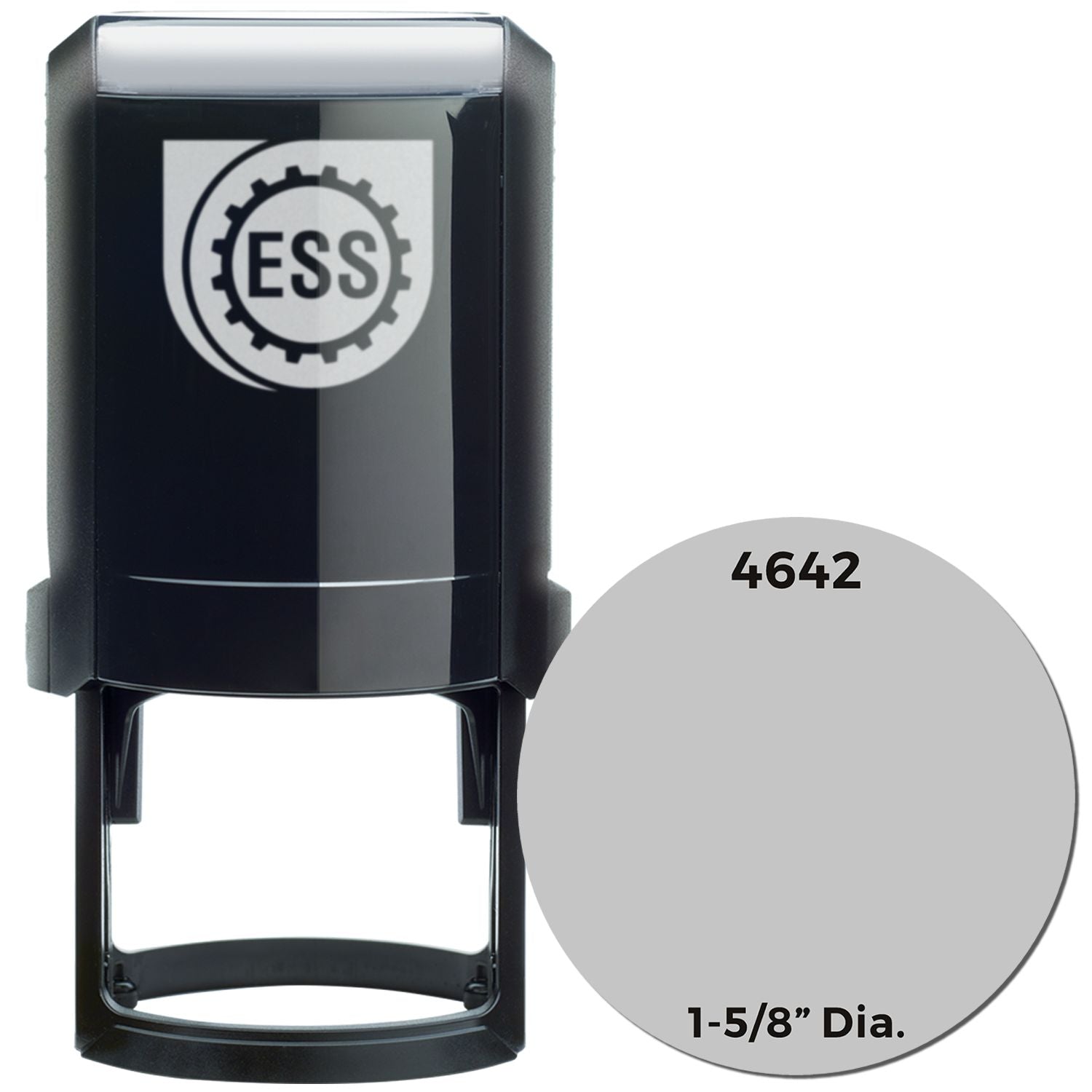
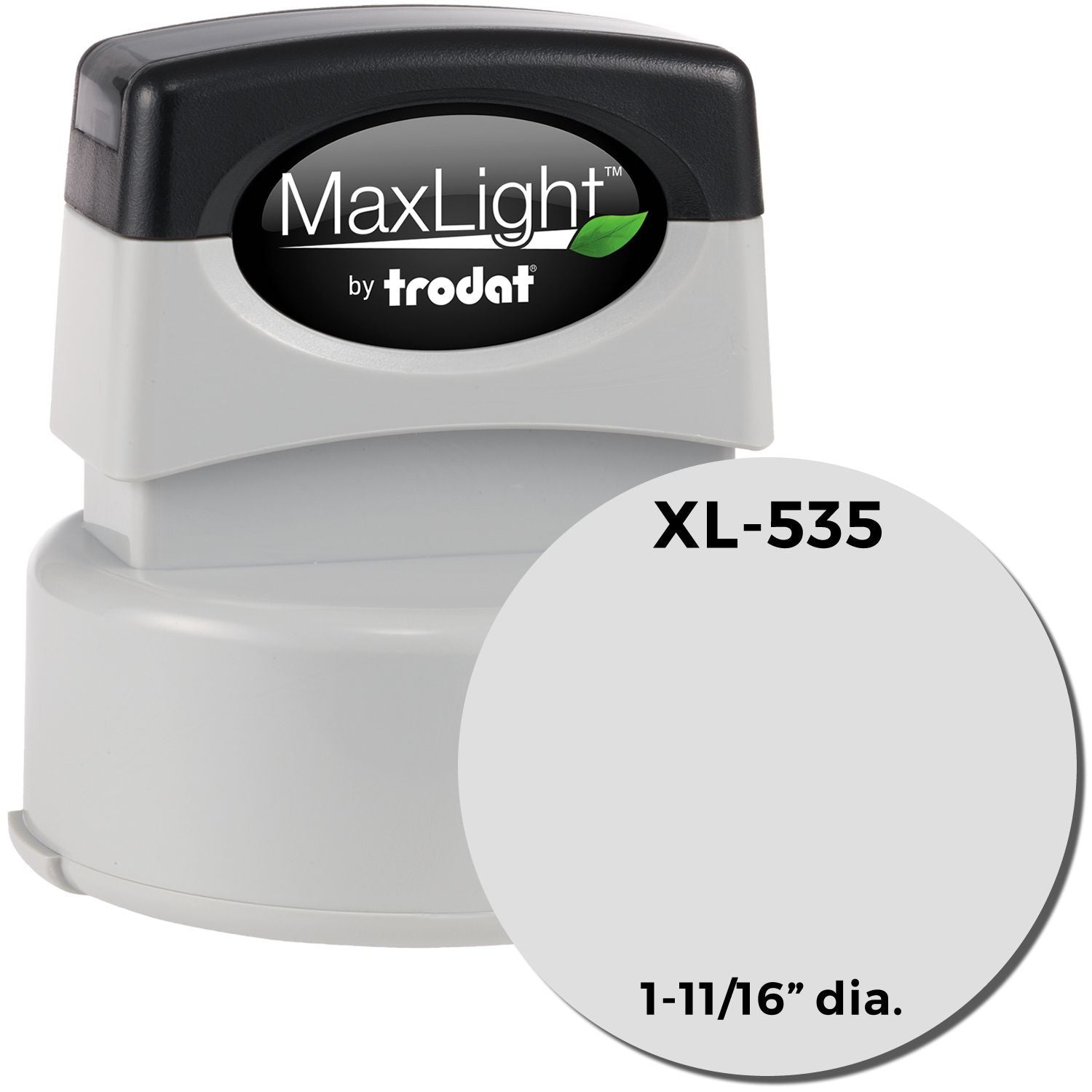
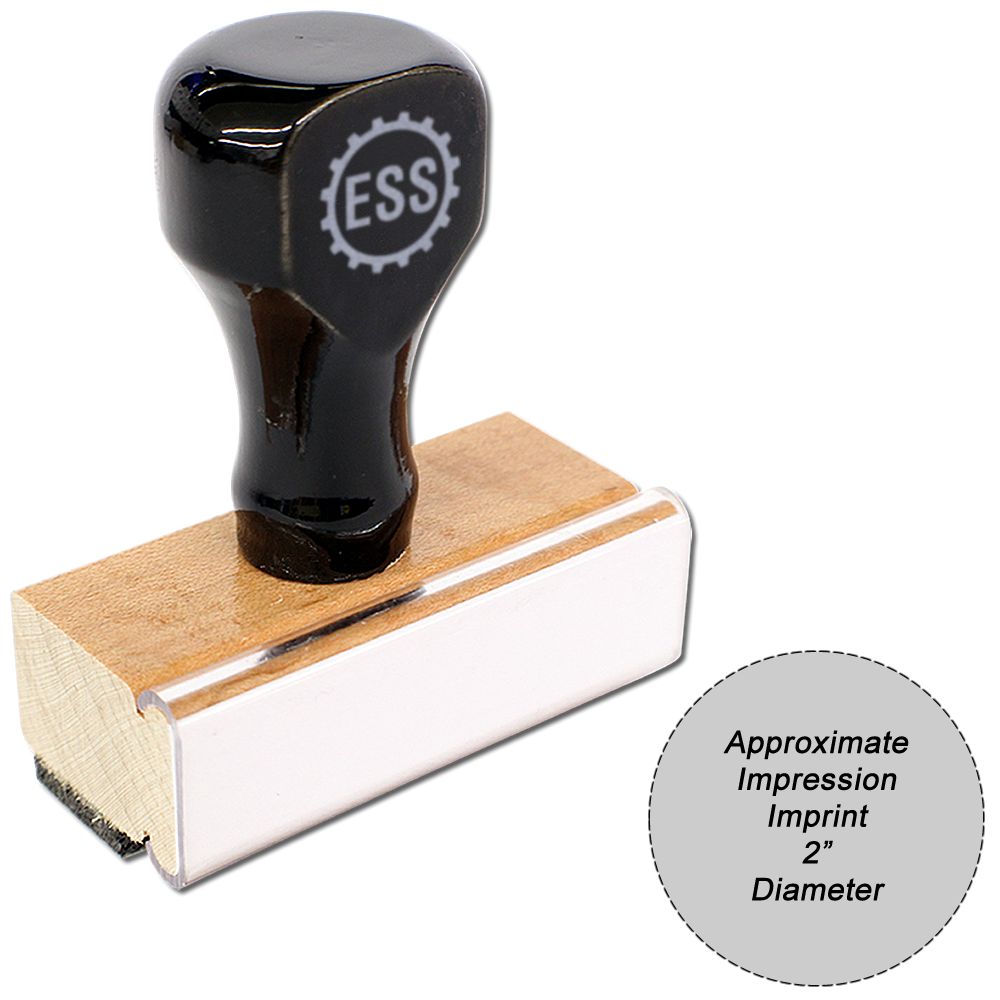
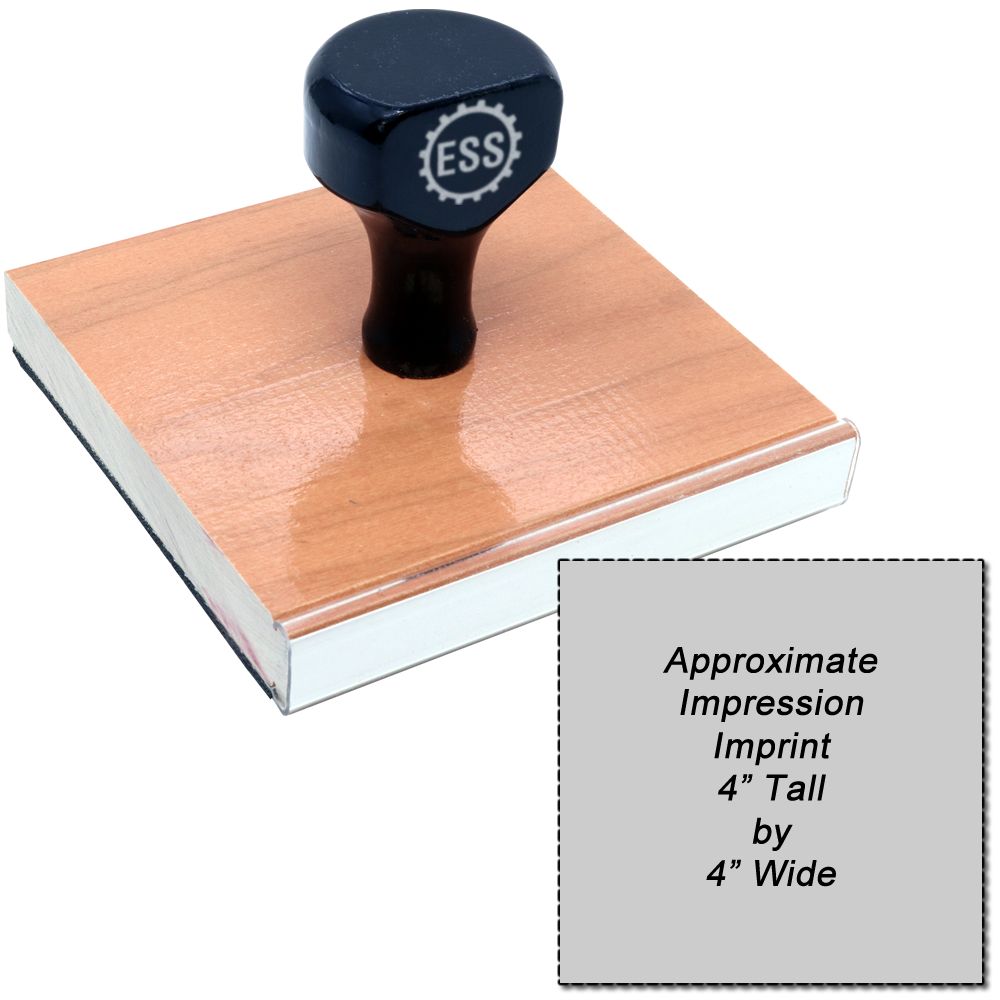
Because the logo is sized to a fixed plate, choose the model before you worry about scale. Match its shape to the mark: a long wordmark sits naturally on a long rectangle, and a round emblem on a round model. Every plate size is listed in the size chart for each stamp model.
How do you lay out a logo with text on one stamp?
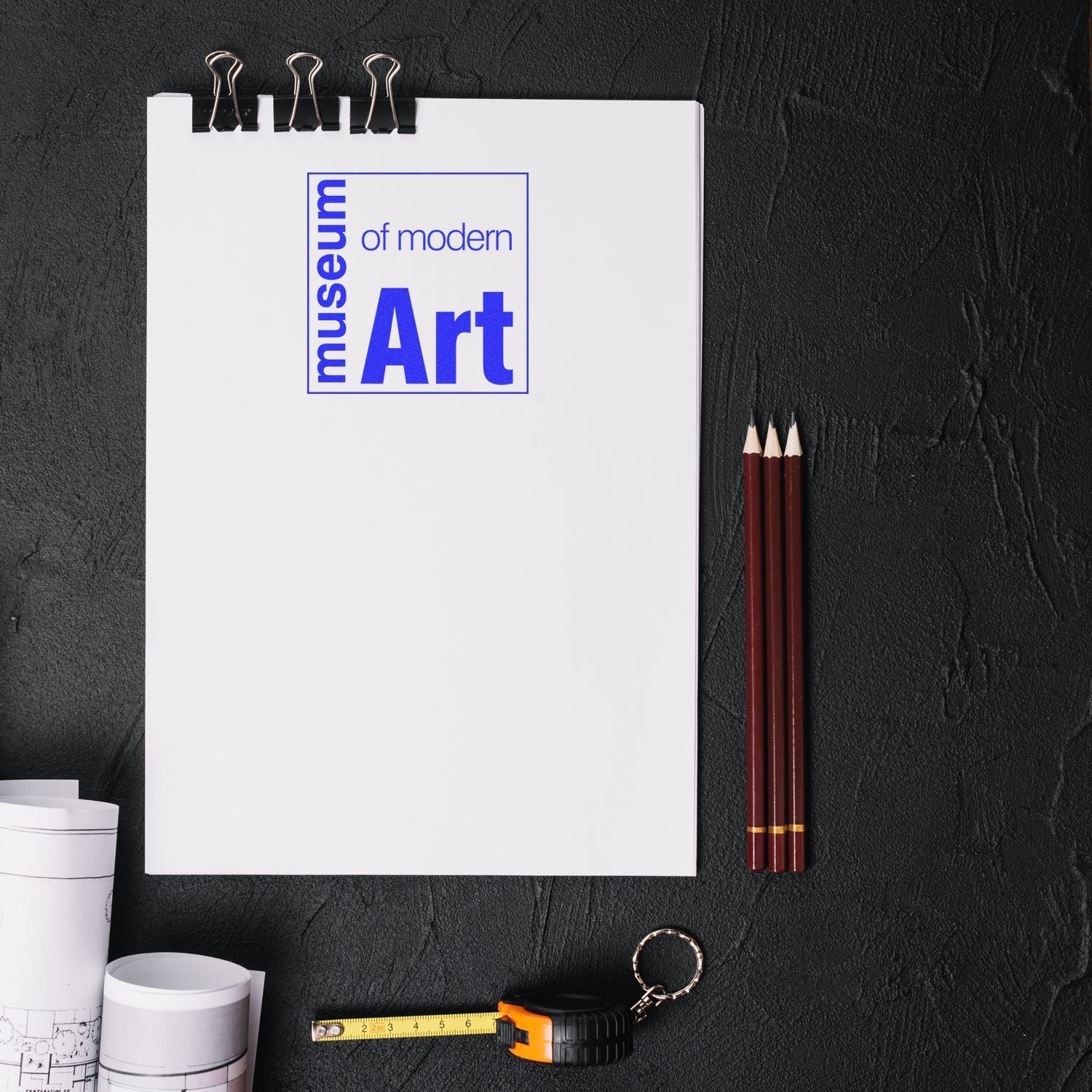
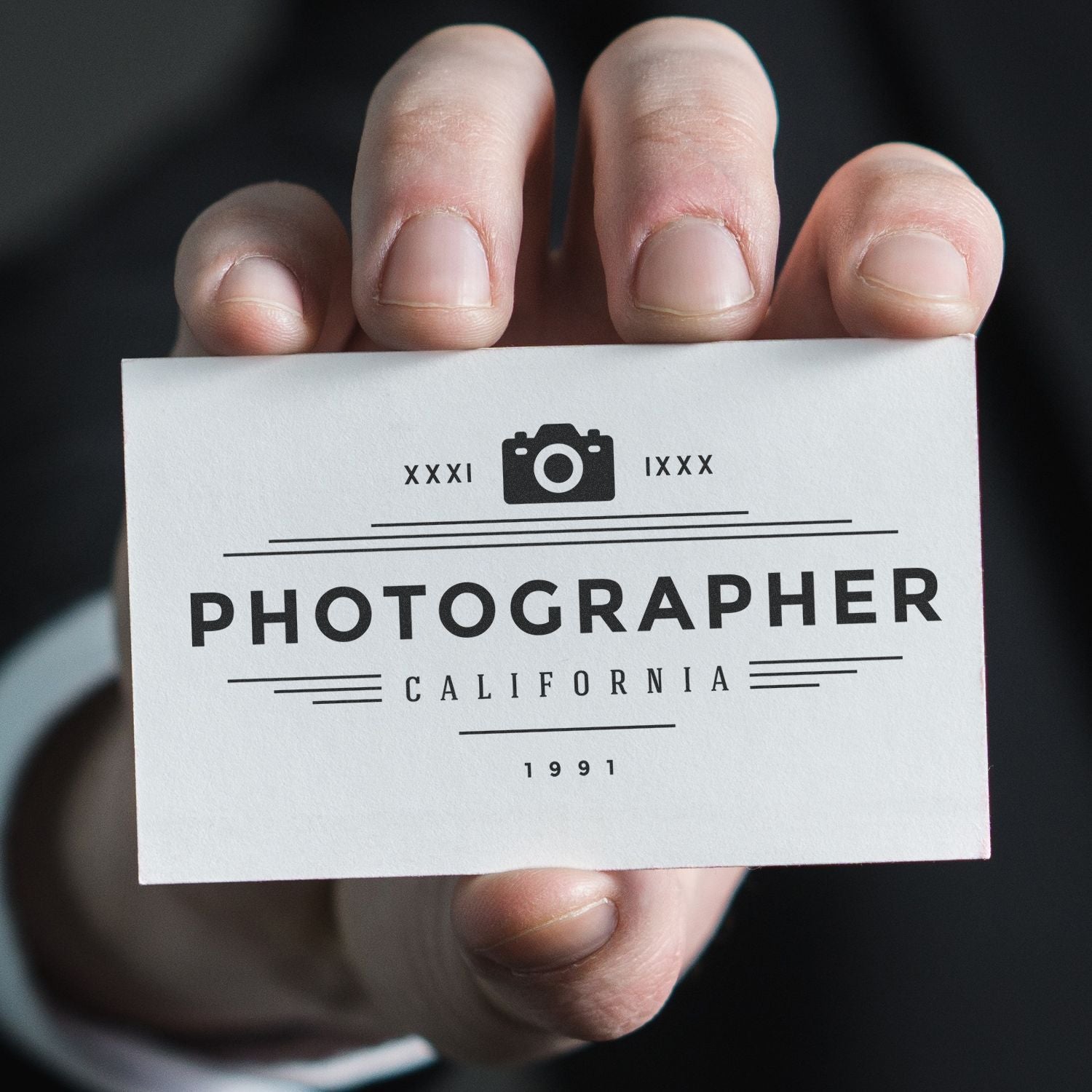
Set the stamp type to Both Artwork/Logo and Text. You upload the logo, type the lines, set them with the font and size menus, and use the special instructions field to say where the words go in relation to the image.
Be specific in that note. "Company name centered under the logo" or "address lines to the right of the logo" leaves far less to interpret than "logo and text".
The image shares the plate with your wording, so a small model leaves little room for lines. Check the line limit for your model in the size chart, and use the font and letter height guide to see how tall each point size prints before you add a third or fourth line.
Which mounts does the ESS chart rate best for logos?
Of the five mount families in the ESS custom line, the comparison chart gives only MaxLight pre-inked stamps an excellent rating for logo stamping. Wood handle, Trodat Printy, Trodat Professional and Slim stamps each rate good.
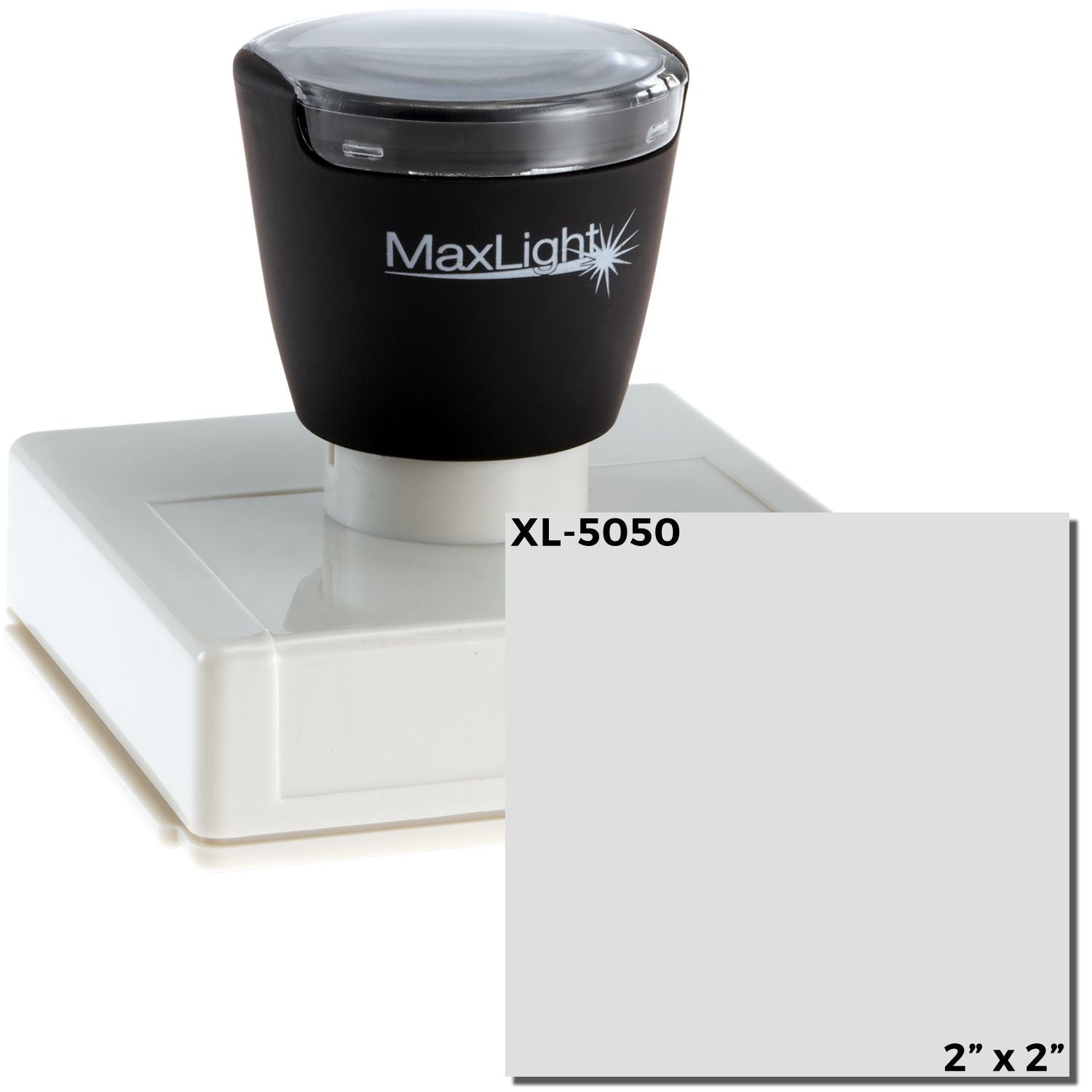
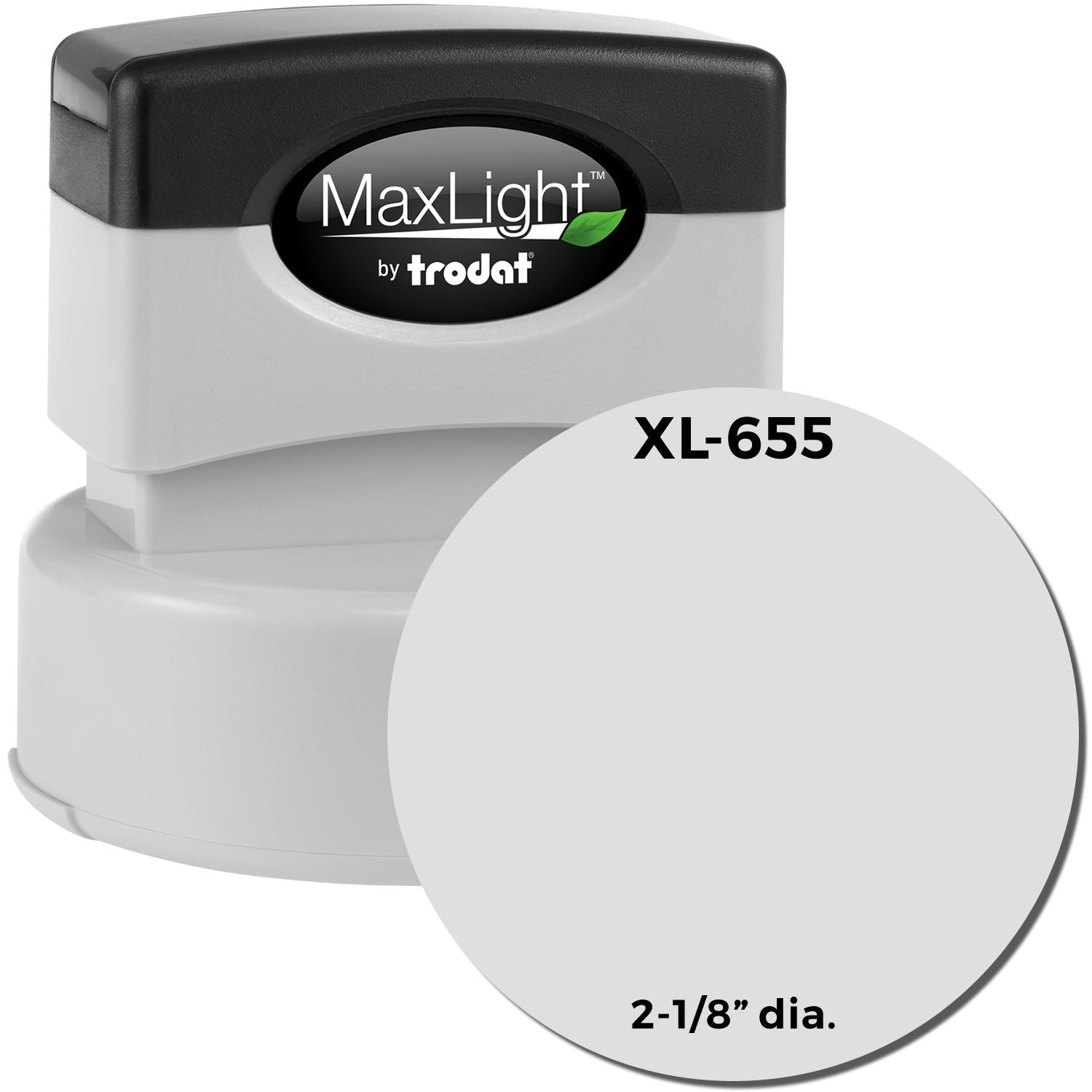
MaxLight also earns the chart's excellent mark for stamped quality, where the other four score very good. Its ink is held in the die itself, and the XL2 range runs from rounds as small as the MaxLight XL2-305, at 7/16 in. across, to rectangles over 4 in. long.
The four good rated families stay in play for jobs MaxLight is not rated for. MaxLight scores no for heavy duty use, glossy paper and cloth, and it takes oil-based ink only; the wood handle and the Trodat Professional both rate yes for heavy duty use. For the full side by side, see the mount comparison in how custom stamps are made and ordered.
Which models suit a larger company logo?
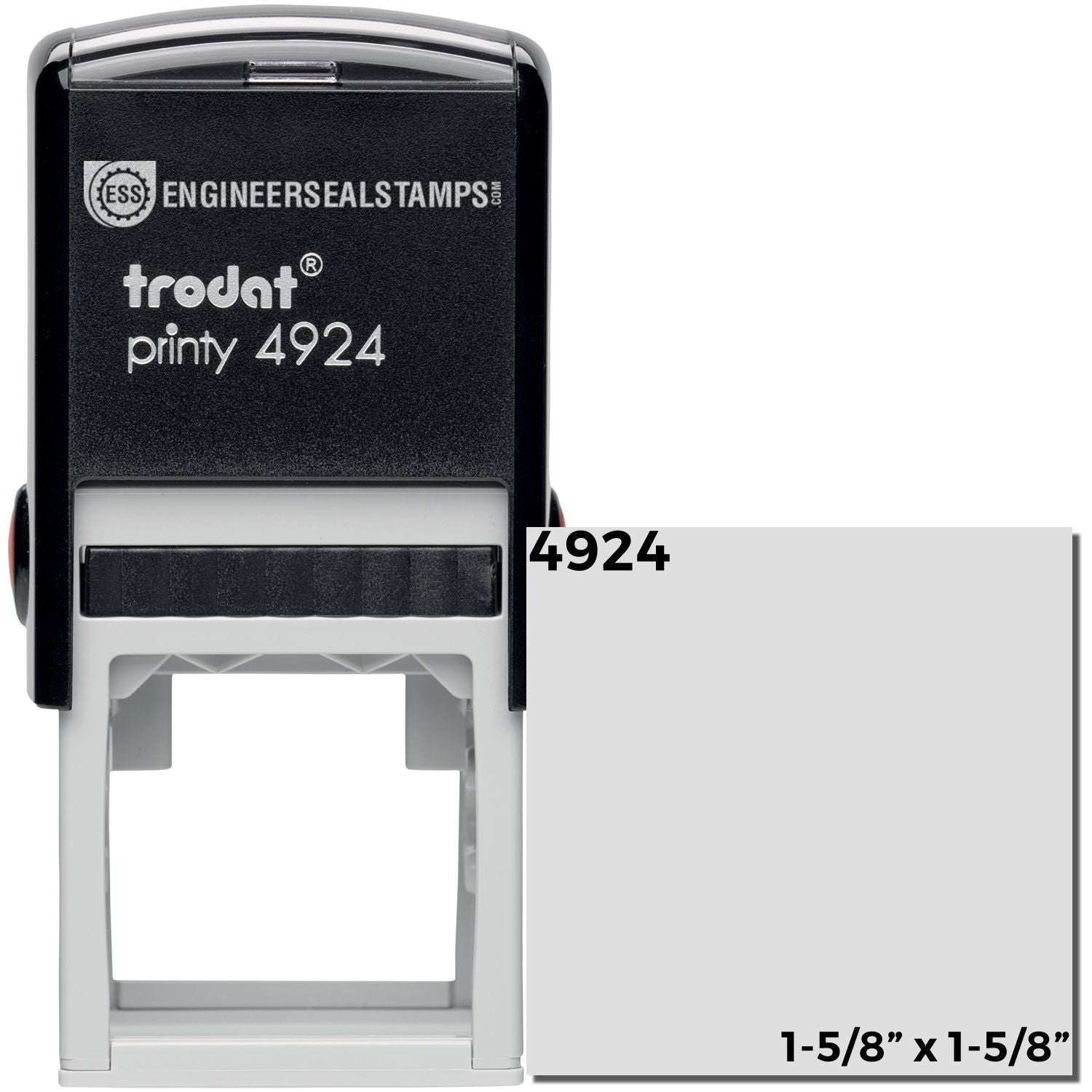
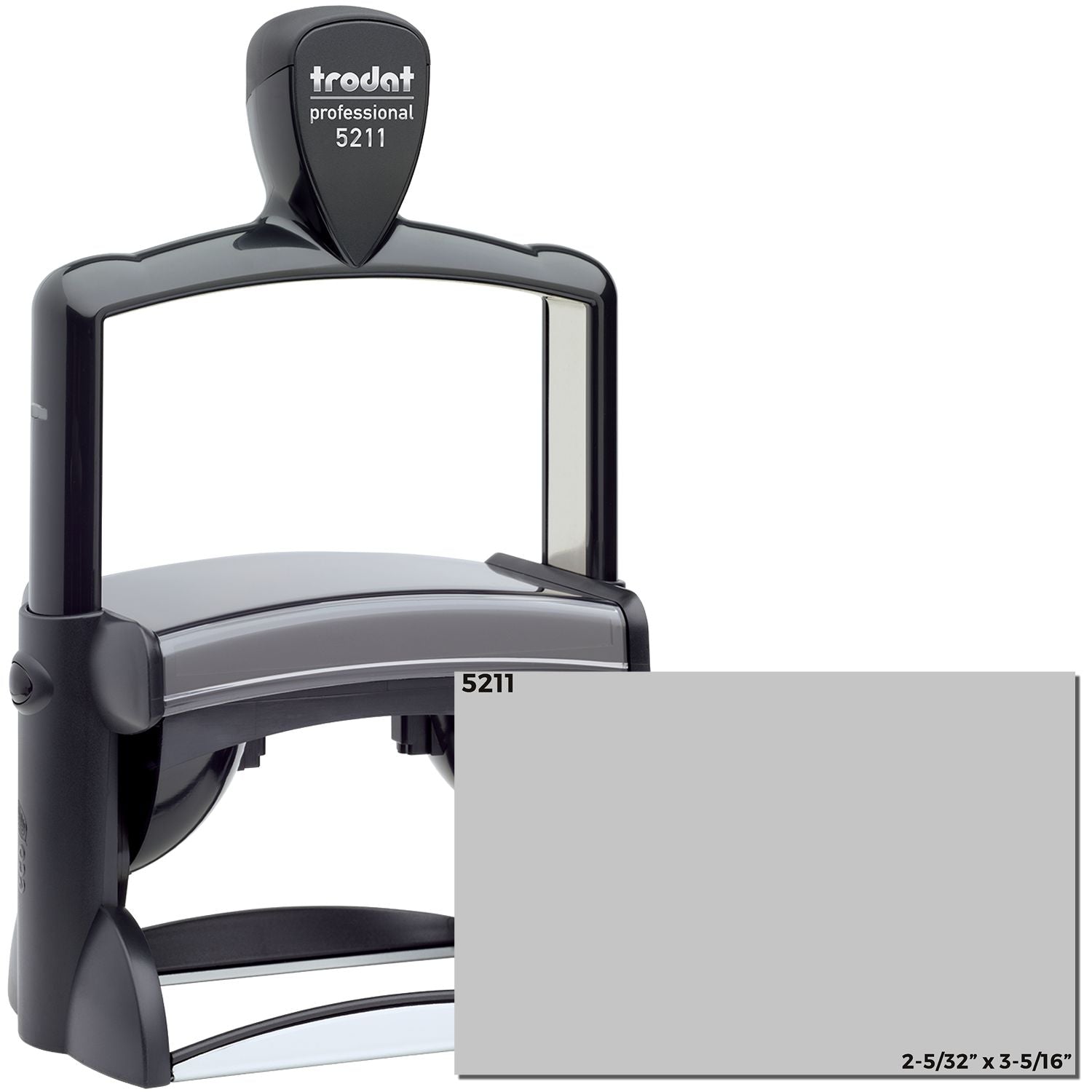
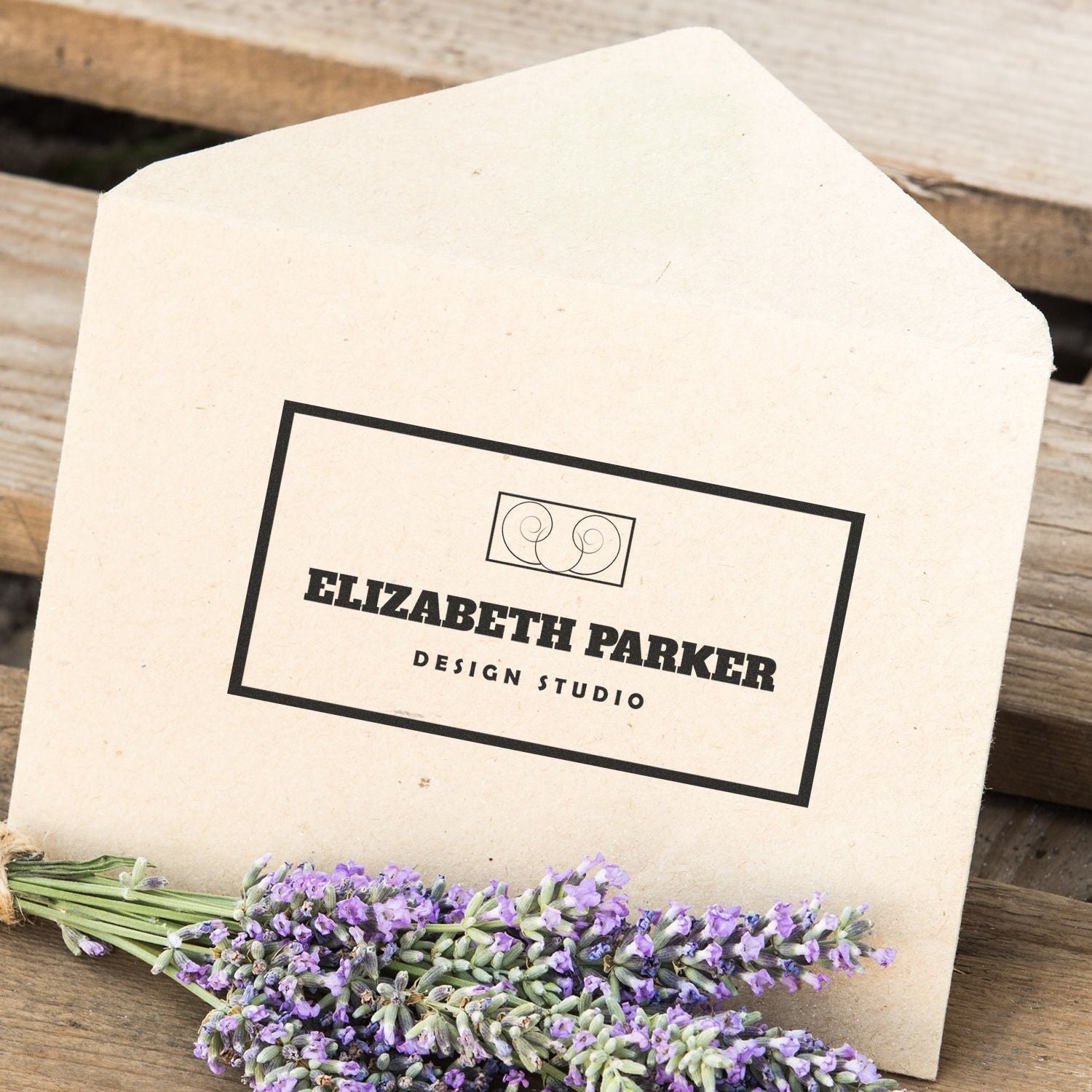
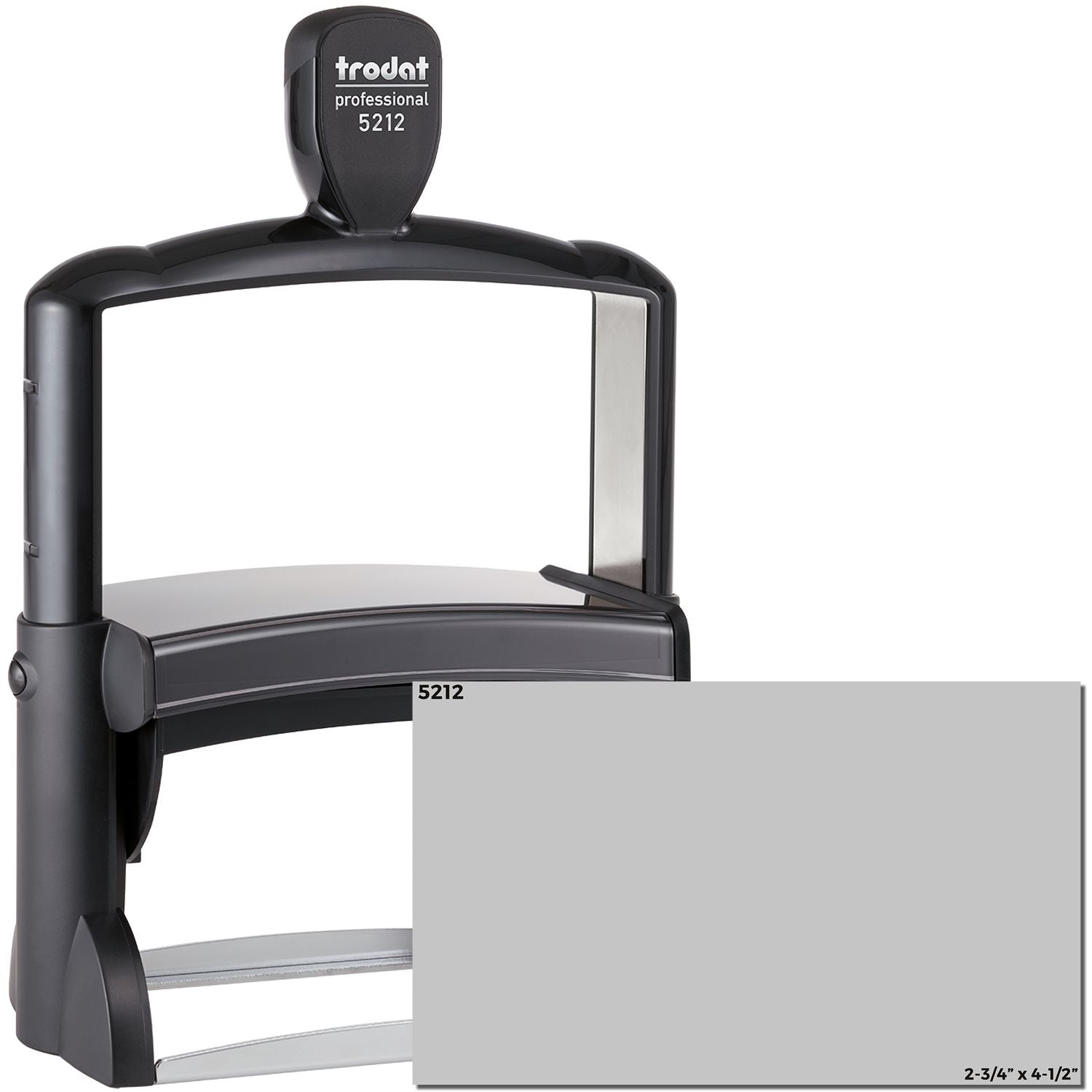
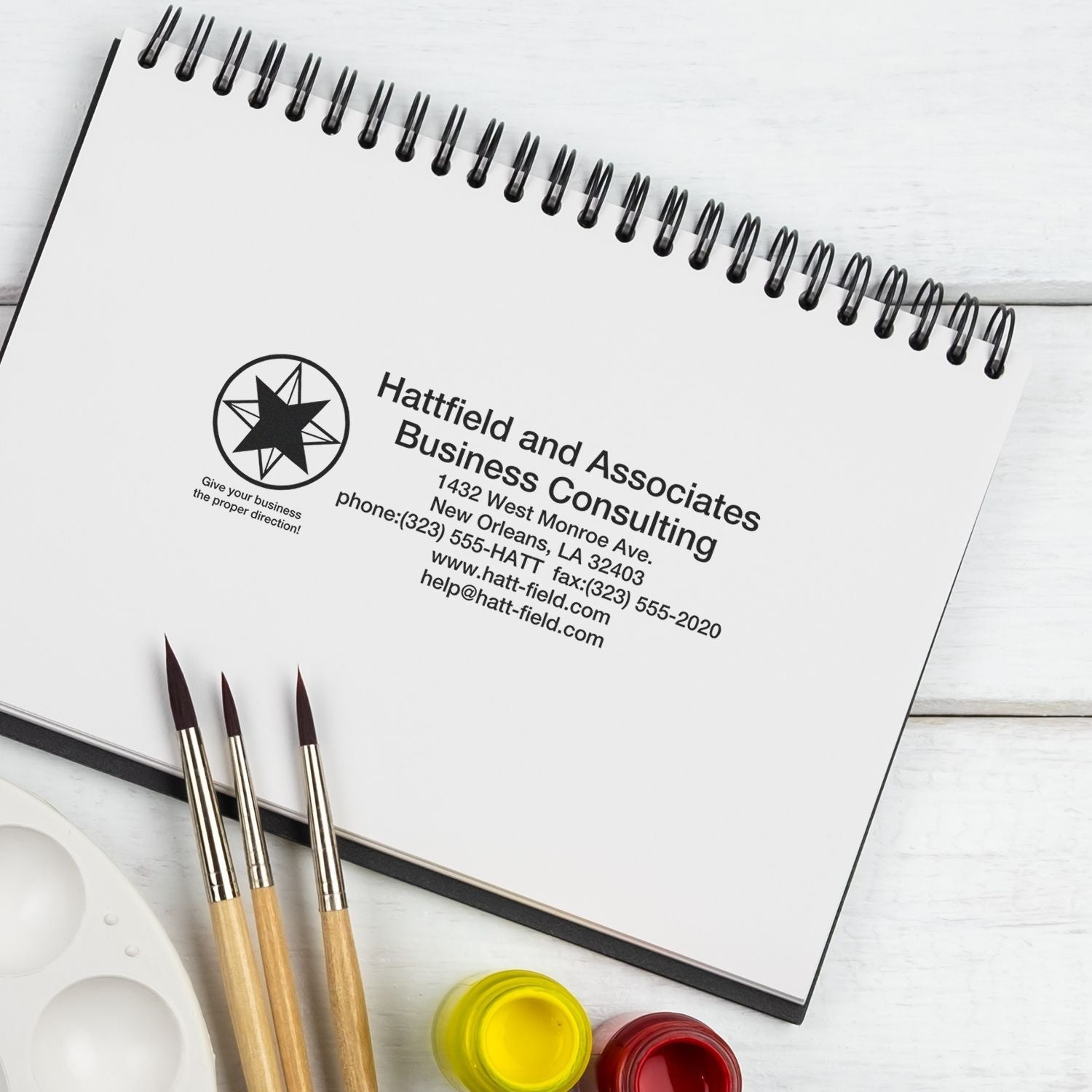
ESS product copy describes the Trodat 5211 and Trodat 5212 as the right size for a company logo. They are the two largest Trodat Professional self-inkers, at 2-5/32 x 3-5/16 in. and 2-3/4 x 4-1/2 in.
Both are water-based self-inkers on a metal frame, and the chart rates the Trodat Professional family for heavy duty use. If you want a custom self-inking stamp with a logo in a smaller format, the Trodat Printy models cover the compact end of the range.
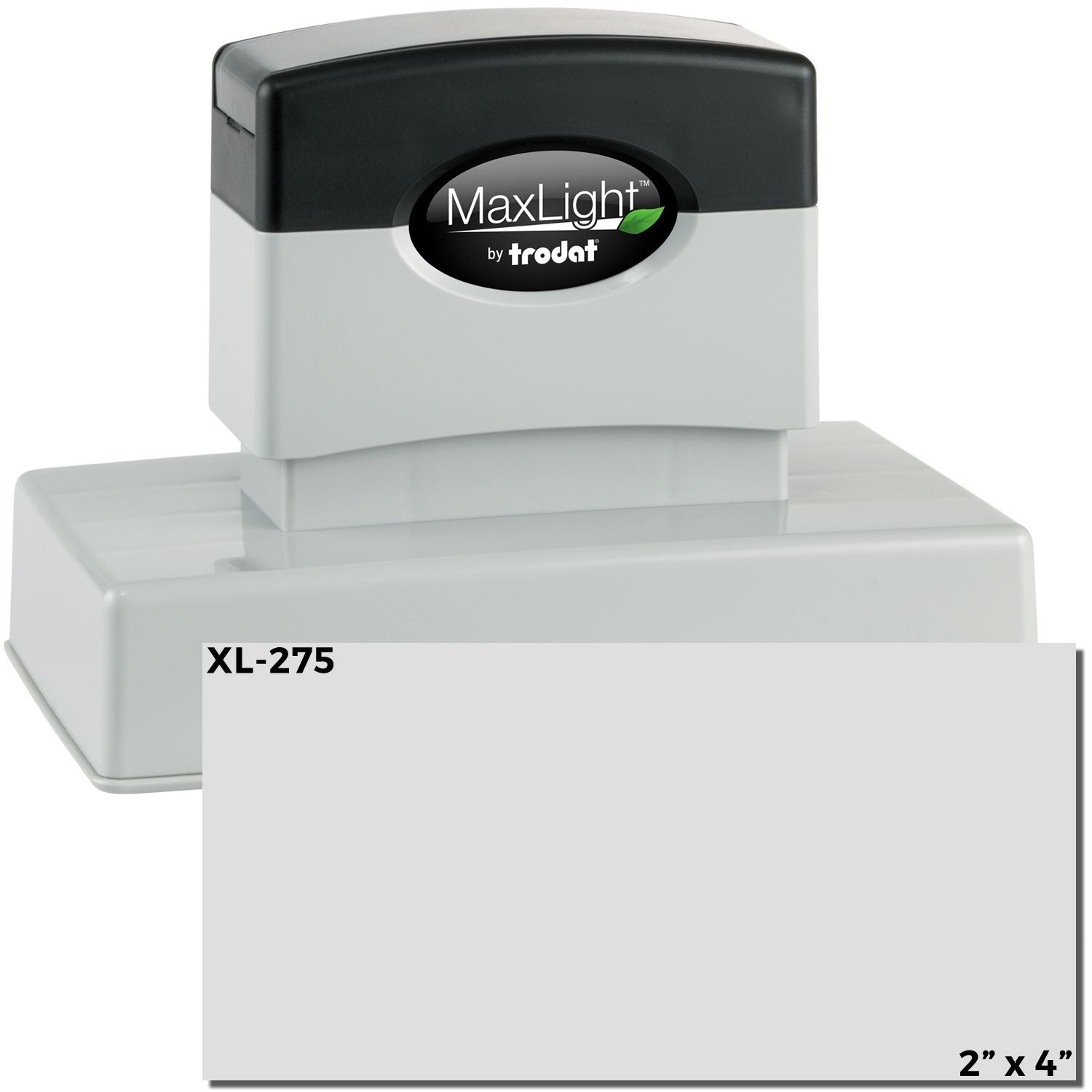
For a bigger logo still, the MaxLight XL2-800 reaches 3-1/8 x 4-1/2 in. Wood handle stamps sold by size go further, up to an 8 x 10 in. rectangle or an 8 in. round.
Which ink colors can a logo stamp use?
Ink color follows the mount family. Trodat Printy self-inkers offer 11 colors of water-based ink, Slim, Super Slim and MaxLight pre-inked stamps offer 5 colors of oil-based ink, and a wood handle stamp accepts any ink color from a separate pad.
| Mount family | Ink type and source | Colors offered | Source |
|---|---|---|---|
| Trodat Printy/Ideal, rectangle and square | Water-based, built-in pad | Black, blue, brown, burgundy, green, mint green, orange, pink, purple, red, yellow | ESS product page |
| Trodat Printy round | Water-based, built-in pad | The same 11 colors as the rectangular Printy | ESS product page |
| Trodat Professional | Water-based, built-in pad | Not listed | ESS product page |
| MaxLight XL2 | Oil-based, held in the die | Black, blue, green, purple, red | ESS product page |
| Slim and Super Slim | Oil-based, held in the die | Black, blue, green, purple, red | ESS product page |
| Wood handle | Separate pad, not included; special inks accepted | Any color | ESS product page |
If your brand color is brown, burgundy, orange, pink, yellow or mint green, a Trodat Printy offers it and the pre-inked families do not. For a shade outside all eleven, the wood handle is the one family that takes any ink.
What about logos on bags, glossy packaging or fabric?
The surface decides the mount. On glossy paper the ESS chart approves only the wood handle, used with special ink. On cloth or fabric it approves two options: that same wood handle and special ink, or the Trodat Printy in its cloth marker model.
The Trodat Professional, Slim, Super Slim and MaxLight families all rate no for glossy paper and for cloth. For paper bags, our post on logo stamps for paper bags covers branding a bag with a business logo stamp.
Frequently asked questions
Can I send a photo of my logo taken on my phone?
It is on the ESS list of artwork to avoid. Ask for the original vector file, or export a black and white PNG, JPG or TIF at 300 dpi or more from the program that holds your logo.
Will a scan or fax of my letterhead work?
Scanned and faxed images sit in the not recommended tier, and faxed artwork is also on the avoid list. Start from a digital copy of the logo instead, ideally an AI, EPS, CDR or PDF file.
My logo is in color. Can I still use it?
Yes, once it is converted to black and white. Color artwork is on the avoid list, so send a one color black version and choose the printed color from the ink options for your mount.
Can I see the logo before the rubber is engraved?
Yes, if you order the optional PDF proof, which carries an added fee. It shows the layout before production, which is the time to catch a scaling problem or a crowded text line.
Does a logo stamp need a border?
No. The border menu offers a border or no border. If your logo already has its own outline or frame, choosing no border avoids putting a second frame around it.
How long does a logo stamp take?
Logo stamps follow the custom stamp lead time. Product pages list 1 business day plus a Ships by date, and transit after that turns on the shipping method and the ZIP code you ship to.
Once your artwork is ready, pick a mount and model in the custom stamps collection, choose the artwork stamp type, and upload your file.