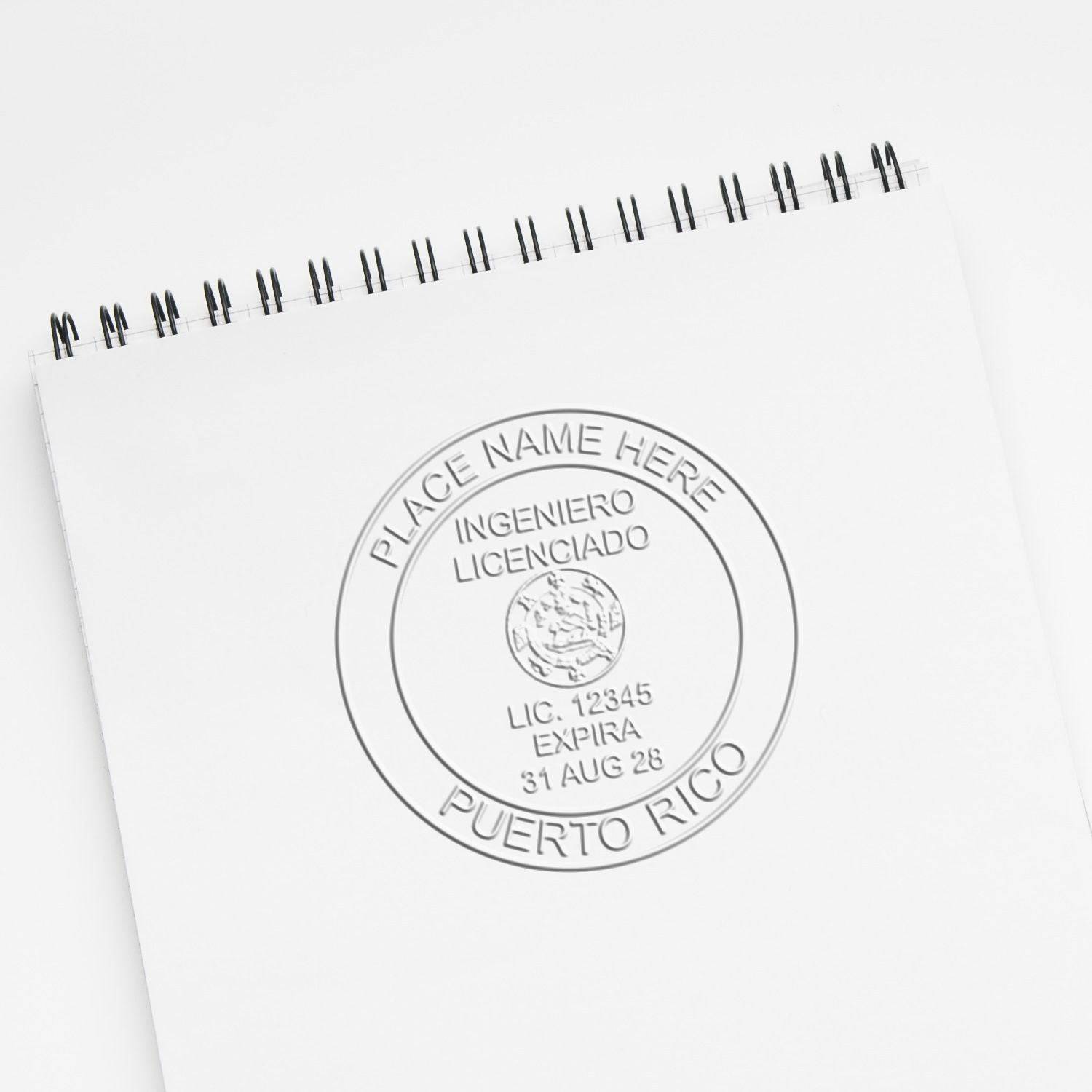

Engineers, architects and land surveyors may seal electronically in most U.S. jurisdictions: ESS’s state hubs record 39 of 54 jurisdictions permitting it for engineers and 38 of 54 for architects and for land surveyors. Landscape architects are permitted in 31 of 53 jurisdictions and geologists in 16 of 30. Only Indiana and Wisconsin geologists face a prohibition. Permission can come with signature tests, not just a pasted picture. This page separates the seal image from the certificate-based signature, gives the counts, and shows both steps in Acrobat and Revu.
Engineer Seal Stamps compliance desk. Checked against the ESS state hubs for five professions, Adobe Acrobat and Bluebeam Revu documentation, and the NIST glossary. Sources read September 2026.
| Question | Answer | Source |
|---|---|---|
| What is a seal image (eSeal)? | A picture file of your seal face that you place on a drawing or report like any other graphic. | ESS eSeal Electronic Image Stamp of Seal listings |
| What is a digital signature? | The output of a cryptographic operation on data that lets a reader confirm who it came from, confirm it is intact, and hold the signer to it. | NIST CSRC Glossary, digital signature (FIPS 186-5) |
| Can an electronic seal stand in for a physical one? | Where the rule permits it. Nevada’s architect rules rank an electronic seal alongside a rubber stamp and an embosser. | Nev. Admin. Code §§ 623.750, 623.763, 623.766 |
| Is the visible seal part of the digital signature? | No. Acrobat places the appearance in the signed file, but the appearance sits outside the hashed signature. | Adobe Acrobat Desktop Digital Signatures Guide, Custom Signature Appearances |
| Where does a signer’s identity come from? | A digital ID: a private key plus an X.509 certificate, often issued by a certificate authority. | Adobe Acrobat Desktop Digital Signatures Guide, Glossary; Adobe, About certificate signatures |
| What shows if a signed PDF is later changed? | Revu marks the signature as valid but updated since signing. | Bluebeam, Tutorial: Digital signatures |
| Professional engineers: how many jurisdictions permit electronic seals? | 39 of 54 permit, 15 not addressed, none prohibit. Guam counts as permitted for the seal image only. | ESS state hubs, rows computed September 2026 |
| Architects | 38 of 54 permit, 16 not addressed, none prohibit. | ESS state hubs, rows computed September 2026 |
| Land surveyors | 38 of 54 permit, 16 not addressed, none prohibit. | ESS state hubs, rows computed September 2026 |
| Landscape architects | 31 of 53 permit, 22 not addressed, none prohibit. | ESS state hubs, rows computed September 2026 |
| Geologists | 16 of 30 permit, 12 not addressed, 2 prohibit (Indiana, Wisconsin). | ESS state hubs, rows computed September 2026 |
| All five professions together | 162 of 245 rows permit (66 percent), 81 not addressed, 2 prohibit. | ESS state hubs, rows computed September 2026 |
| What does a functional signature test look like? | Alaska: unique to the registrant, verifiable, under the registrant’s exclusive control, and invalidated if the document changes. | 12 Alaska Admin. Code §§ 36.180, 36.185(f)(2) |
| Does the ESS eSeal sign or encrypt the file? | No. The listings state that neither encryption nor an electronic signature comes with the purchase. | ESS eSeal Electronic Image Stamp of Seal listings |
Notaries work under a separate set of electronic seal rules, compared in remote online notarization by state.
What is the difference between a seal image and a digital signature?
A seal image is a picture of your seal face, and anyone holding the file can paste it onto a page. A certificate-based digital signature is cryptographic data tied to your digital ID, and it reveals whether the document changed after you signed.
NIST’s FIPS 186-5 definition treats a digital signature as the output of a cryptographic operation on data which, when properly implemented, proves where the data came from, shows it is intact, and keeps the signer from later denying it. A picture of a seal does none of those things on its own.
The identity side comes from a digital ID. Adobe’s signature glossary describes it as data built on the X.509 v3 standard that usually holds a private key and a certificate, stored on a computer, a USB token or a smart card. The certificate is the part carrying the public key, and a certificate authority is the trusted third party that issues certificates.
The two pieces can appear together. Acrobat lets you put an imported graphic, such as your seal image, into a signature’s appearance, yet Adobe states the appearance is not part of the actual, hashed signature. One Guam statute shows the split for Guam architects and Guam engineers alike: 22 GCA § 32116(d) allows a Board-approved electronic seal image but refuses a computer-generated signature or date, so the signature must be handwritten.
What is a wet stamp, and how is electronic sealing different?
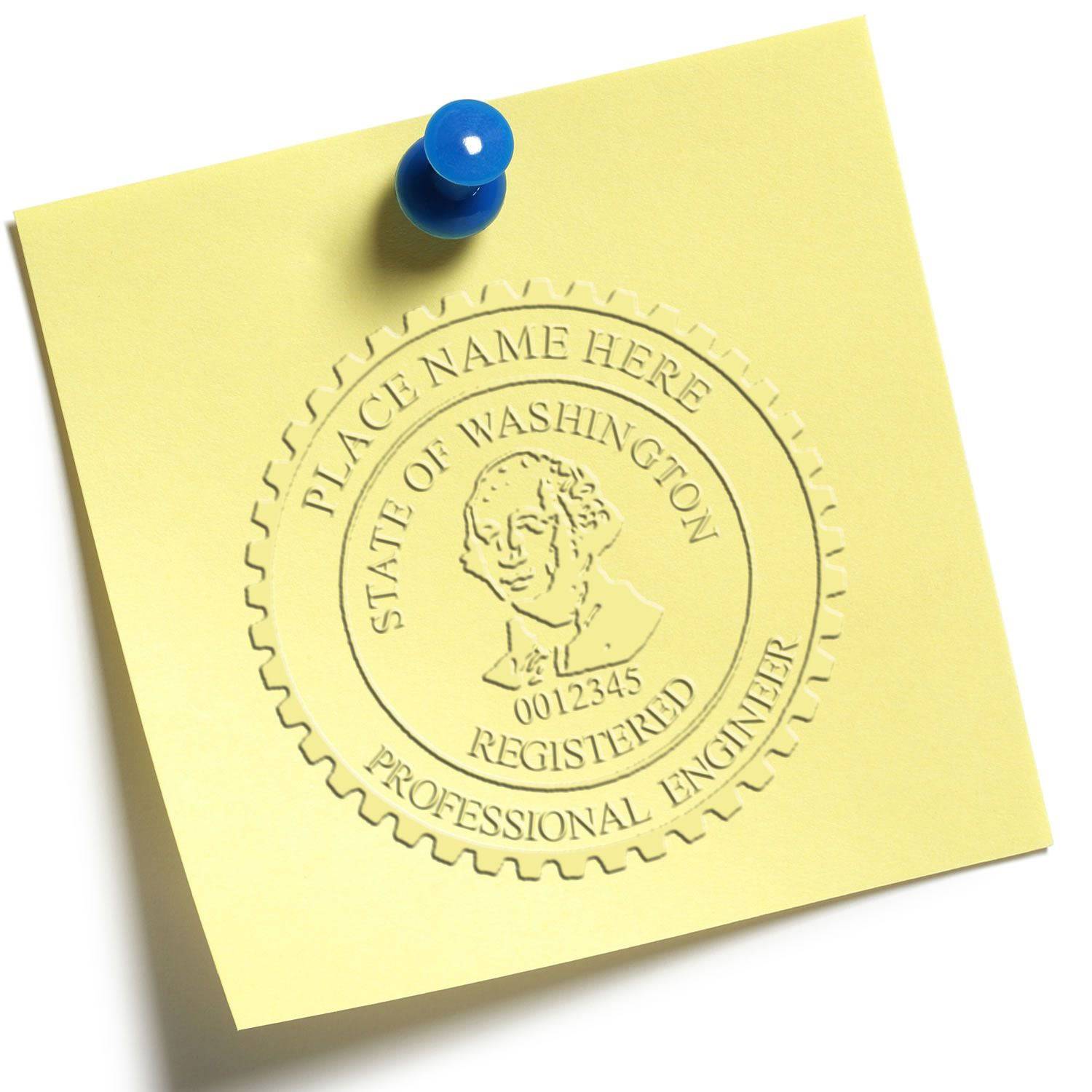
On this page, a wet stamp means the inked impression a physical seal stamp leaves on paper. Electronic sealing puts the seal on a file instead, as an image, a digital signature or both, and it counts only where your profession’s rule allows it.
Rules that permit electronic sealing often set it beside the physical devices. Nevada’s architect rules give an electronic-format seal the same standing as a rubber stamp or an embossed seal (Nev. Admin. Code §§ 623.750, 623.763, 623.766).
Other rules name only the physical methods. Indiana’s geologist rule lists embossing and rubber stamp application and nothing else, and the ESS Indiana hub treats that silence as a ban, not an oversight (305 IAC 1-4-1(b)).
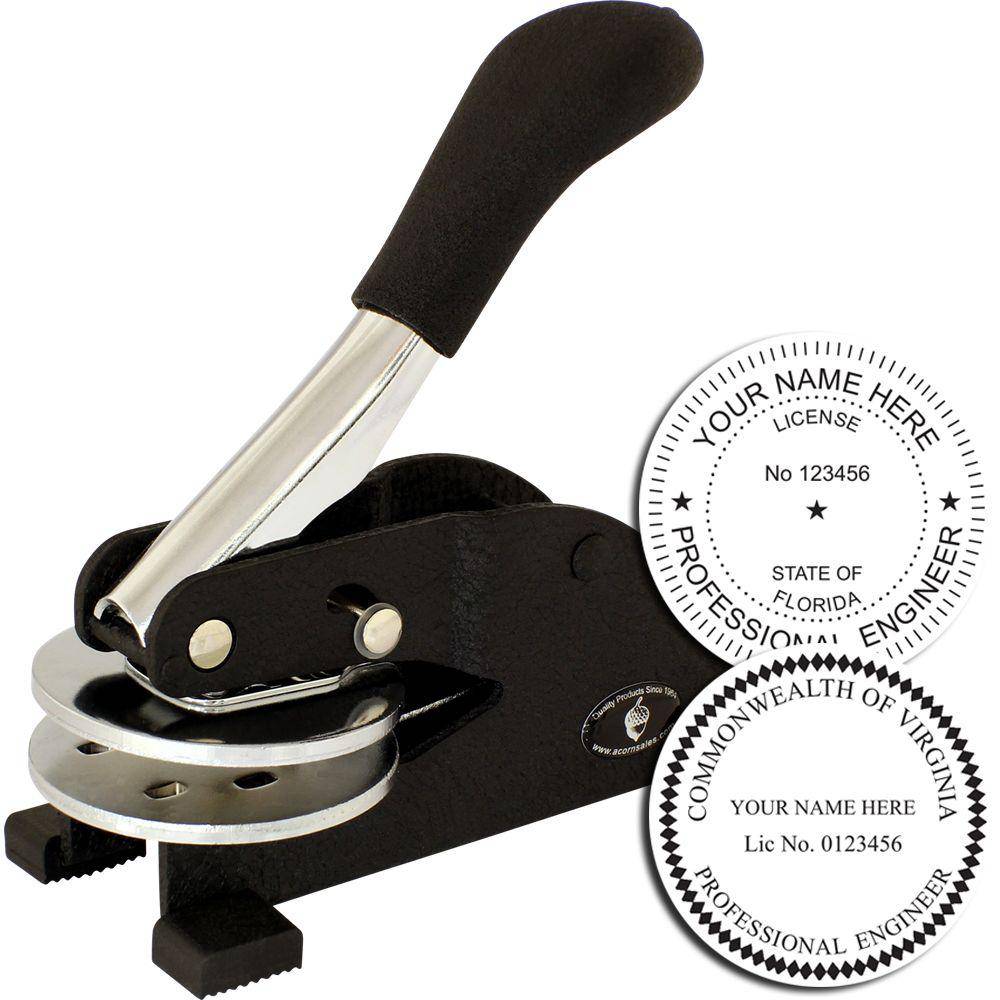
What to order: if you issue paper sets and PDFs, you need a physical seal stamp or embosser for the paper, and for files a seal image plus whatever signature your rule requires. The ESS eSeal listings state the image is free with a physical stamp or seal purchase; the architect listing says included.


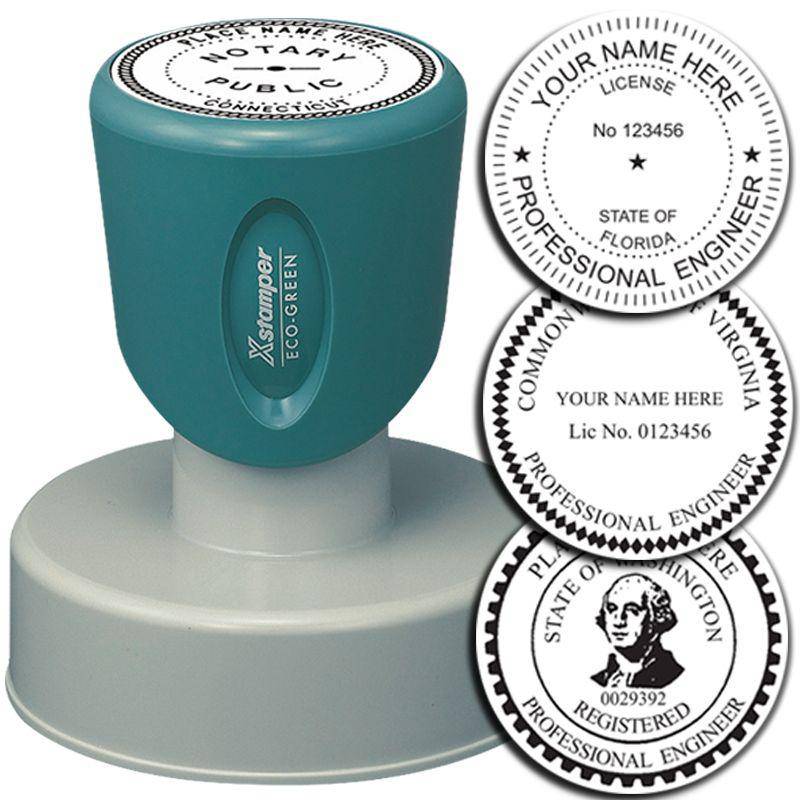
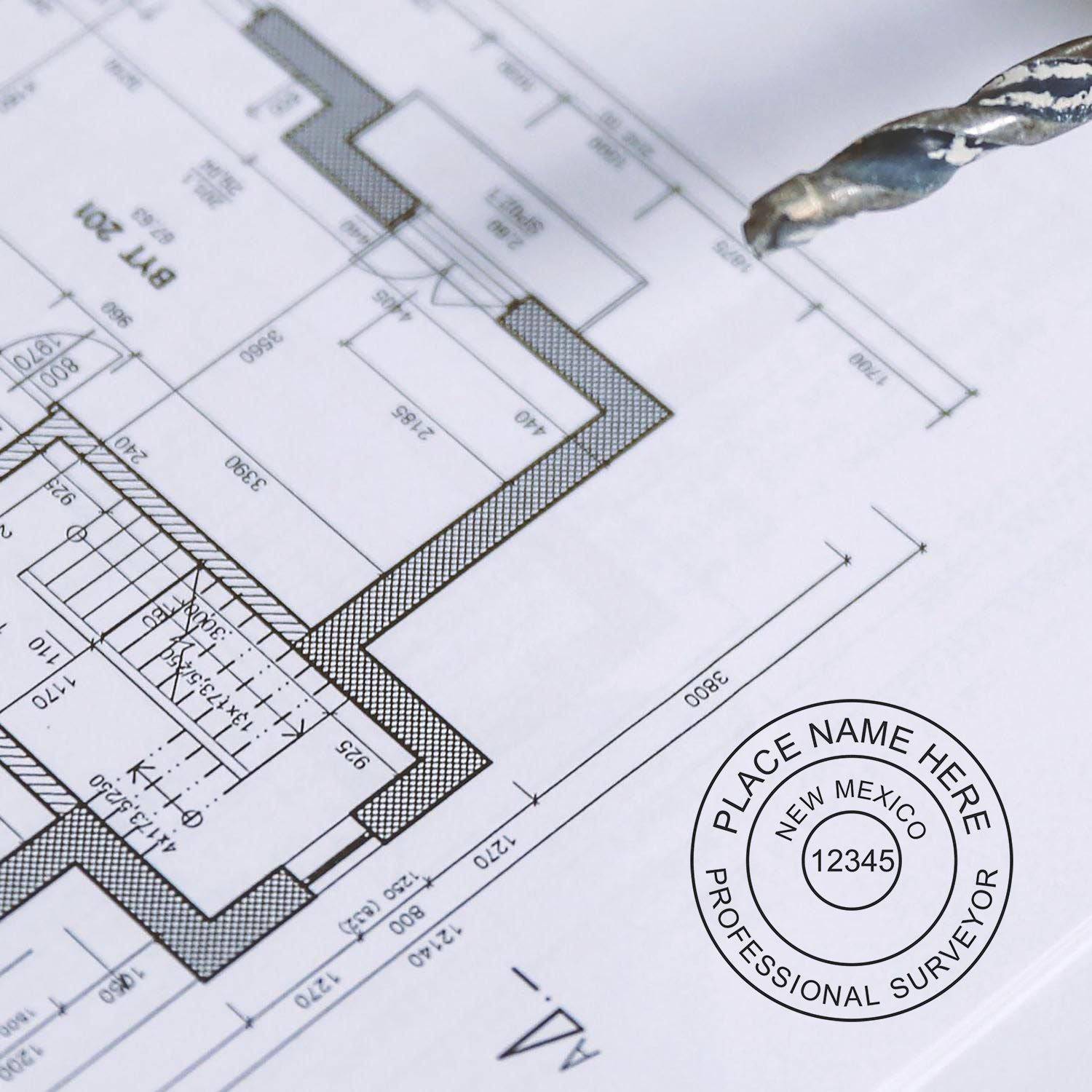


How many jurisdictions permit electronic seals for each profession?
ESS’s state hubs record electronic sealing as permitted in 39 of 54 jurisdictions for professional engineers, 38 of 54 for architects and for land surveyors, 31 of 53 for landscape architects, and 16 of 30 for geologists. Two rows prohibit it.
- Professional engineers: 39 permitted, 15 not addressed, none prohibited. Guam is counted as permitted for a Board-approved seal image, with a handwritten signature. See the national professional engineer seal requirements guide.
- Architects: 38 permitted, 16 not addressed, none prohibited. See the national architect seal requirements guide.
- Land surveyors: 38 permitted, 16 not addressed, none prohibited. See the national land surveyor stamp and seal requirements guide.
- Landscape architects: 31 permitted, 22 not addressed, none prohibited, across the 53 jurisdictions ESS covers. See the national landscape architect seal requirements guide.
- Geologists: 16 permitted, 12 not addressed, 2 prohibited (Indiana, Wisconsin), across ESS’s 30 geologist hubs. See the national professional geologist seal guide.
Across all five professions, 162 of 245 rows (66 percent) permit electronic sealing, 81 are not addressed and 2 prohibit it. Not addressed means the rules ESS read for that profession carry no electronic seal provision, or the provision could not be confirmed from a primary source.
What conditions do state rules attach to an electronic seal?
Where a rule sets conditions, Alaska’s is a clear model: the digital signature must be unique to the registrant, verifiable, under the registrant’s exclusive control, and linked to the document so any change invalidates it. Other rules add technology or appearance terms.
The Alaska engineer hub walks through that test at 12 Alaska Admin. Code §§ 36.180, 36.185(f)(2). Colorado’s land surveyor rule goes further and names the technology: the signature may come from public key infrastructure or signature dynamics (4 CCR 730-1, Rule 1.2(B)).
Some rules control the picture as well. Ohio’s architect rule expects the graphic image of the electronic seal to carry the same wording and substantially the same look and size as the physical seal at original document size (Ohio Admin. Code 4703-3-01(B), (D)). Virginia’s engineer rule sets three criteria and keeps the rest of the seal section in force, so an electronic engineer seal still follows the two-inch design (18VAC10-20-760 C).
Texas and Florida give engineers electronic rules of their own. Texas engineers work under a rule titled Electronic Seals and Electronic Signatures (22 Tex. Admin. Code §§ 137.33(l), 137.35). Florida engineers face two separate electronic systems that are kept apart (Fla. Admin. Code r. 61G15-23.004 and r. 61G15-23.005).
Which jurisdictions prohibit electronic seals?
Two rows in ESS’s state hubs are prohibitions, both for geologists: Indiana and Wisconsin. They come from different kinds of rule, one an express bar and one a list of physical methods, so read the hub before assuming the reason.
- Wisconsin geologists: electronic and scanned seals are barred on public documents (Wis. Admin. Code § GHSS 1.03(7)).
- Indiana geologists: the rule names embossing and rubber stamp application only, which ESS treats as a prohibition (305 IAC 1-4-1(b)).
Guam engineers are not on this list. The Board may approve a seal image, but a computer-generated signature or date is not permitted (22 GCA § 32116(d)(1)).
What to order: in these two, start with a physical seal stamp or embosser made to the specifications in the state hub.
Can the answer differ between professions in the same state?
Yes. The rows for a single state can cite a different rule for each profession, and the electronic answer changes with them. Kentucky shows the split most clearly, with separate rules for landscape architects, for architects, and for surveyors and engineers.
Kentucky landscape architects have a full electronic seal standard in 201 Ky. Admin. Regs. 10:070 Section 2. Kentucky architects do not: 201 Ky. Admin. Regs. 19:265 carries no electronic seal provision at all. Kentucky land surveyors and engineers share a third rule with its own digital signature terms, covered below.
What does “not addressed” mean for your seal?
It means ESS found no written electronic route in the seal rules for that profession and state, or could not confirm one from a primary source. 81 of the 245 rows fall here, with landscape architects the largest group at 22 of 53.
Permitted is not uniform either. Rhode Island land surveyors may use a digital facsimile of the seal in place of the hand stamp, but the rule does not permit electronic signature or dating (435-RICR-00-00-1 § 1.6). An image alone is the whole electronic allowance there.
What to check: open your own state hub for the profession you hold, read what the rule says about the physical seal, and decide from that whether a file-based seal belongs in your workflow.
How do you place a seal image on a PDF in Acrobat or Revu?
In both programs you turn the seal file into a reusable stamp or image markup, place it on the sheet, and size it to the seal’s real dimensions. Placing the image does not sign the document; that is a separate step.
Adobe Acrobat. Adobe’s help article gives the path Tools > Stamp > Custom Stamps > Create, then Browse to choose the file. Acrobat converts every file type to PDF and files the stamp under the category and name you choose. Adobe’s custom stamp page lists PDF and JPEG among the supported formats, and both are in the eSeal file set.
Bluebeam Revu. There are two routes. Tools > Stamp > Import Stamp takes PDF files and copies them into the Stamps folder, so the PDF from your eSeal set can become a stamp. Tools > Markup > Image > From File places a picture instead; Bluebeam’s signature image guide says only .jpg or .png files work for that process.
That same guide shows how to crop the image, set white as the mask color so the background turns transparent, save it to the Tool Chest under My Tools, and flatten it before sending. Resize with the yellow handles; a corner handle scales the markup in more than one direction.
How do you apply a certificate-based digital signature to a PDF?
Set up a digital ID first. Then draw or pick a signature field, choose the ID, pick an appearance, and save. Revu requires the file to be saved at the moment you sign, and the signature status then reflects any later change.
In Revu, Bluebeam’s steps are Tools > Signature > Sign Document, draw a rectangle where the signature should appear, choose the Digital ID, enter the password for a PKCS #12 ID, set Signature Type to Digital Signature, select an appearance, then OK and save. The appearance graphic can be None, Name or File, and File applies a graphic file of your choosing.
Bluebeam says Revu signs against the Windows Certificate Store and PKCS #12. A self-signed ID suits personal use or small to mid-sized firms working among trusted parties; an ID from a third-party certificate authority verifies your identity to others.
In Acrobat, Adobe describes certificate signing as placing signature boxes anywhere on a page, adding several signatures, adding timestamps from a configured server, and certifying with a visible or hidden signature. A custom appearance is built under Preferences, in the Signatures or Security section depending on version: choose New under Appearance, then Imported graphic, then browse to the file. Adobe notes Acrobat can create a self-signed ID, but the common approach is one from a trusted third-party certificate authority.
What happens if someone edits a sealed PDF?
A pasted seal image stays on the page whatever changes around it. A digital signature behaves differently: the reader software reports that the document changed after signing, the behavior the Alaska test describes when it asks for invalidation on change.
Revu’s signature status icons include a signature that is valid but whose document has been updated since signing, and a variant where the signer’s identity is also unknown. Adobe says certificate signatures confirm integrity by tracking every previously signed version of the file, and its glossary describes the hash as a number derived from the file that changes when the file does.
Kentucky’s land surveyor rule, which Kentucky engineers share, builds on that behavior. Any attempt to alter the document after signing must invalidate the digital signature, and a document headed for electronic transmission must first be converted to a read-only format (201 Ky. Admin. Regs. 18:104 Sections 3, 4).
Certifying adds a lock of its own. In Revu a document can be certified before or as the first signature, and the certifier decides whether later users may fill forms, add markups or add signatures.
What does the ESS eSeal image include?
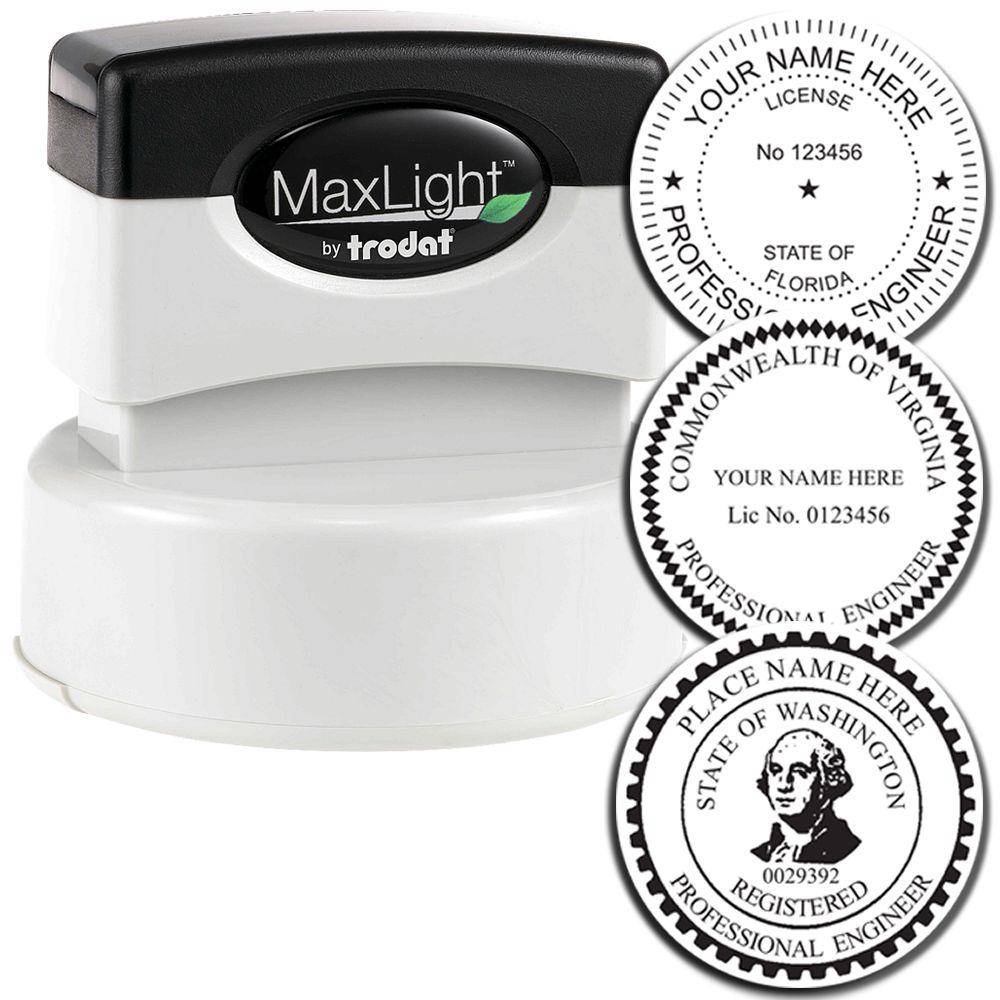
The eSeal is an electronic image of your seal, made to the specifications your state board designates and emailed as 300 dpi PNG, DWG, JPG, DXF, PDF and TIF files. It is an image only: the listings state that neither encryption nor an electronic signature is part of the purchase.
- Size: about 1-5/8 to 2 inches, depending on state specifications.
- Delivery: electronic, by email.
- Guarantee: ESS guarantees the seal will meet your state board specifications.
- Price with a physical seal: free with a physical stamp or seal purchase on the engineer, landscape architect, geologist, engineering geologist and forester listings; the architect listing says included.
ESS lists the file for several professions, including the Professional Engineer eSeal, the Architect eSeal, the Landscape Architect eSeal and the Geologist eSeal. The digital ID that signs the file comes from your signing software or a certificate authority, as described above.


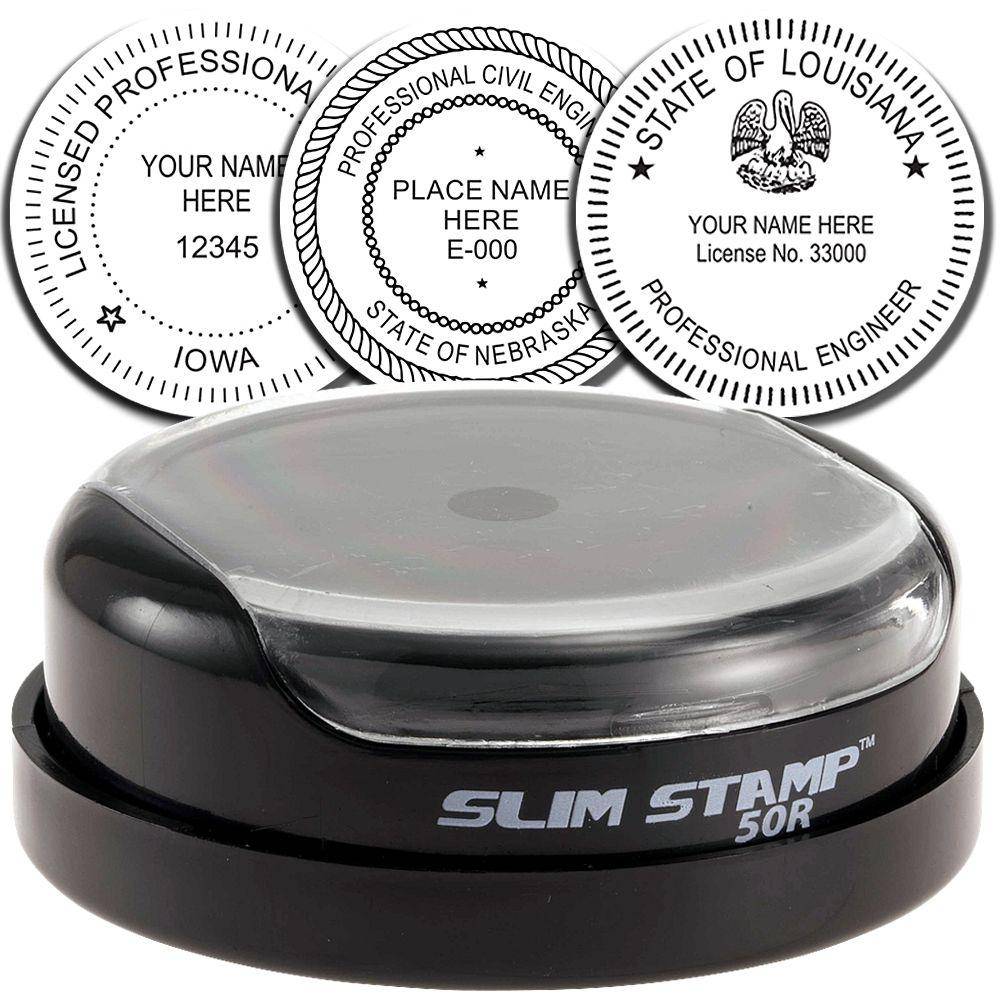



What should you check before ordering a seal and eSeal?
Confirm your profession’s status in your state hub, the seal size and wording the rule sets, and whether the rule wants an image, a signature, or both. Then order the physical seal and the eSeal together.
- Status: permitted, not addressed or prohibited, from your state hub.
- Image rules: whether the rule controls the picture, as Ohio’s architect rule does, or only the signature, as Alaska’s does.
- Size: Virginia keeps its two-inch design for electronic engineer seals, so place the image at true size.
- Signature allowed at all: Rhode Island land surveyors get the facsimile seal without electronic signature or dating.
- File type for your software: PDF for Revu’s Import Stamp, JPG or PNG for Revu’s image route, and any listed format for Acrobat, which converts to PDF.




Frequently asked questions
Is a scanned seal the same as an electronic seal?
Not where a rule singles scans out. Wisconsin’s geologist rule bars electronic and scanned seals on public documents. A scan also carries no link to a digital ID, so it cannot show a later edit the way the Alaska test requires.
Do I need an ID from a certificate authority, or will a self-signed one do?
Both Adobe and Bluebeam support self-signed IDs, and both describe a third-party certificate authority as the route for proving identity to parties outside your circle. Whether your board accepts either depends on its rule: Alaska sets functional tests without naming a product, while Colorado’s surveyor rule names the technologies.
What size should the seal image be on the sheet?
Place it at the physical seal’s size, not a size that fits the title block. ESS eSeals run about 1-5/8 to 2 inches depending on state specifications, Ohio’s architect rule expects substantially the same size as the physical seal, and Virginia keeps its two-inch design for engineers.
Does a digital signature have to show a visible seal?
The software does not require one: Acrobat can certify with a visible or hidden signature. Some rules do expect a graphic, as Ohio’s architect rule does when it describes the seal image’s wording, look and size.
Can I use the eSeal in CAD drawings?
The eSeal listings include DWG and DXF files alongside PNG, JPG, PDF and TIF, all at 300 dpi. Which of those a given program opens is set by that program’s own documentation; the Acrobat and Revu steps above name the formats each route takes.
Is a digital PE stamp a seal image or a signature?
Treat it as two parts. The seal image shows the PE seal face, and a certificate-based signature proves who applied it and flags later edits. Texas shows the pairing in one place: its engineers work under a single rule titled Electronic Seals and Electronic Signatures.
Is the eSeal free?
The engineer, landscape architect, geologist, engineering geologist and forester listings say it is free with a physical stamp or seal purchase, and the architect listing says it is included. Each eSeal also has its own product listing, and the files arrive by email.
Order your state-specific seal from our state engineer stamps and seals collection; the Professional Engineer eSeal listing states the image files are free with a physical stamp or seal purchase.